Git & Version Control: Tools to Master Collaborative Coding
27 February 2026
Collaboration is the backbone of modern software development. Whether you're working on a personal project, contributing to open-source, or building enterprise applications, you’ll need a system to track code changes efficiently. That’s where Git and version control come into play.
If you've ever lost hours of progress—or worse, an entire project—because of an accidental code change or deletion, then you already understand the importance of version control. Let's dive deep into Git, the most popular tool for managing code changes, and explore how mastering it can level up your collaborative coding skills. 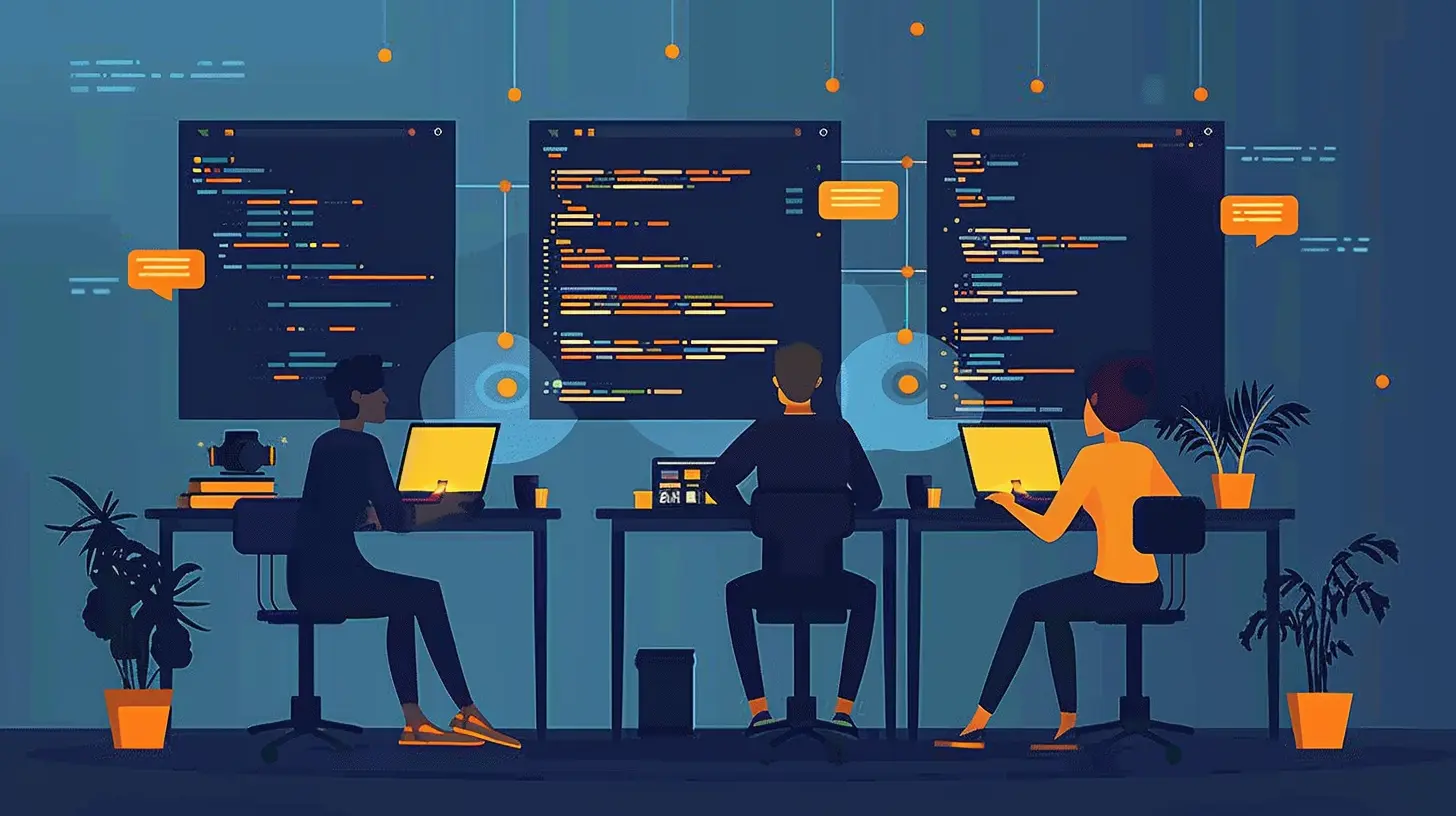
📌 What is Version Control?
Imagine working on a massive document with multiple contributors—like Google Docs, but for coding. You need a way to track changes, compare versions, and revert mistakes. That’s precisely what version control (also called source control) does.Version control keeps a history of changes in your codebase, allowing you to:
✅ Save progress at different stages.
✅ Compare different versions of your code.
✅ Roll back to a previous version if something breaks.
✅ Work collaboratively without overwriting each other’s changes.
There are two main types of version control:
1. Centralized Version Control (CVCS) – A single central repository (like SVN or Perforce) tracks all changes.
2. Distributed Version Control (DVCS) – Every developer has a full copy of the repository (Git and Mercurial follow this model).
Among these, Git is king, dominating the software industry. 
🚀 Why Git?
Git is an open-source, distributed version control system designed to handle everything from small to massive projects with speed and efficiency. It's fast, scalable, and offers branching capabilities that make collaboration seamless.Here’s why so many developers swear by Git:
✅ Local & Remote Repositories – You can work offline and sync later.
✅ Branching & Merging – Create separate branches for features, test changes, and merge them when ready.
✅ Undo Mistakes – Roll back to an earlier state if something breaks.
✅ Collaboration Made Easy – Multiple developers can work on the same project without conflicts.
✅ GitHub, GitLab & Bitbucket – Platforms like these make cloud collaboration effortless.
Now that we know why Git is essential, let's master the basics! 
📂 Setting Up Git
Before using Git, you need to install it.Install Git
For different operating systems:- Windows – Download from git-scm.com and install.
- Mac – Use Homebrew:
bash
  brew install git
- Linux – Use apt:
bash
  sudo apt-get install git
Configure Git
Once installed, set up your identity:bash
git config --global user.name "Your Name"
git config --global user.email "[email protected]"
This ensures that every commit you make is linked to your name.

🛠️ Essential Git Commands You Must Know
Let’s get hands-on with some essential Git commands.1️⃣ Initialize a New Repository
To start tracking a project with Git, navigate to the project folder and run:bash
git init
This creates a hidden `.git` folder that stores your repository’s history.
2️⃣ Clone an Existing Repository
If you're working on a team project hosted on GitHub, GitLab, or Bitbucket, you can clone it:bash
git clone https://github.com/user/repository.git
This downloads the entire repository to your machine.
3️⃣ Check Repository Status
Want to see what’s happening with your repo? Run:bash
git status
This shows which files are tracked, modified, or staged for commit.
4️⃣ Add Changes to Staging
To tell Git which files you want to commit, stage them:bash
git add filename
Or, to add everything:
bash
git add .
5️⃣ Commit Your Changes
A commit is like a checkpoint in your history. Save your staged changes with:bash
git commit -m "Descriptive commit message"
6️⃣ View Commit History
To see past commits:bash
git log
7️⃣ Create a New Branch
Branches let you work on new features without affecting the main code:bash
git branch feature-branch
8️⃣ Switch Between Branches
To move to another branch:bash
git checkout feature-branch
Or, in newer versions of Git:
bash
git switch feature-branch
9️⃣ Merge Changes into Main (Master) Branch
Once your feature is ready, merge changes back:bash
git checkout main
git merge feature-branch
🔟 Push Changes to Remote Repository
Send changes to GitHub (or any remote repo):bash
git push origin branch-name
🌍 Working with Remote Repositories
Collaborating with others involves fetching, pulling, and pushing changes between your local machine and a remote repository.Pull Latest Changes
Before making new changes, always fetch the latest updates:bash
git pull origin main
Resolve Merge Conflicts
Sometimes Git will ask you to manually resolve conflicts before merging. Open the conflicting file, fix the errors, and then:bash
git add conflicted-file
git commit -m "Resolved merge conflict"
Forking & Pull Requests (PRs)
If you're contributing to open-source projects, the fork-and-PR model is common:1. Fork the repo on GitHub.
2. Clone it locally and make changes.
3. Push to your fork and request a Pull Request (PR) to merge your updates.
⚡ Advanced Git Techniques
Once you're comfortable with Git basics, explore these advanced techniques:Git Rebase
Instead of merging, you can rebase to keep a linear commit history:bash
git rebase branch-name
Git Stash
Need to switch branches but don’t want to commit unfinished changes? Stash them:bash
git stash
git stash pop To apply stashed changes later
Git Reset & Revert
Oops! Need to undo a commit?- Reset to a previous commit (erases history):
bash
  git reset --hard commit-hash
- Revert a commit (keeps history intact):
bash
  git revert commit-hash
🎯 Best Practices for Using Git Efficiently
🔹 Write Clear Commit Messages: Instead of vague messages like "fixed issues," be descriptive, e.g., "Fixed login bug causing infinite loops."🔹 Commit Often, But Meaningfully: Frequent commits help track progress, but avoid clutter with too many unnecessary commits.
🔹 Use Branches Strategically: Keep `main` or `master` clean and use feature branches for new features.
🔹 Pull Before You Push: Avoid conflicts by pulling the latest changes before new commits.
🔹 Don't Commit Secrets: Never commit API keys, passwords, or environment variables—use `.gitignore`.
💡 Wrapping Up
Mastering Git and version control isn't optional—it's a must-have skill for developers. Whether you're a beginner or an experienced programmer, understanding Git will make your workflow smoother, safer, and more efficient.So, next time you're working on a project, embrace the power of Git. Commit often, branch wisely, and collaborate seamlessly!
all images in this post were generated using AI tools
Category:
Developer ToolsAuthor:

Marcus Gray
Discussion
rate this article
2 comments
Lumen McKale
Collaboration thrives on efficient version control.
March 3, 2026 at 8:28 PM
Marcus Gray
Absolutely, version control is key for seamless teamwork. It keeps everyone on the same page and makes collaboration smoother.
Sabina Phelps
Great insights! Version control is essential for effective collaboration.
February 28, 2026 at 1:14 PM
Marcus Gray
Thank you! I'm glad you found the insights valuable—version control truly is key to successful collaboration in coding.