Home Security Gets Smarter with AI
18 August 2026
There is something genuinely exciting happening in the world of home security, and it is not just another gadget with a flashing light. Artificial intelligence has moved from the cloud and into the devices we actually live with, and the result is a level of protection that feels less like a burglar alarm and more like a watchful, thoughtful companion. For years, home security meant motion sensors that could not tell a squirrel from a stranger, and cameras that recorded hours of useless footage you had to scrub through manually. That era is ending. What we have now is a system that understands context, learns your routines, and can tell the difference between a delivery driver and someone casing your porch. This is not science fiction. It is available today, and it is changing how we think about safety at home.
The Shift from Dumb Sensors to Intelligent Perception
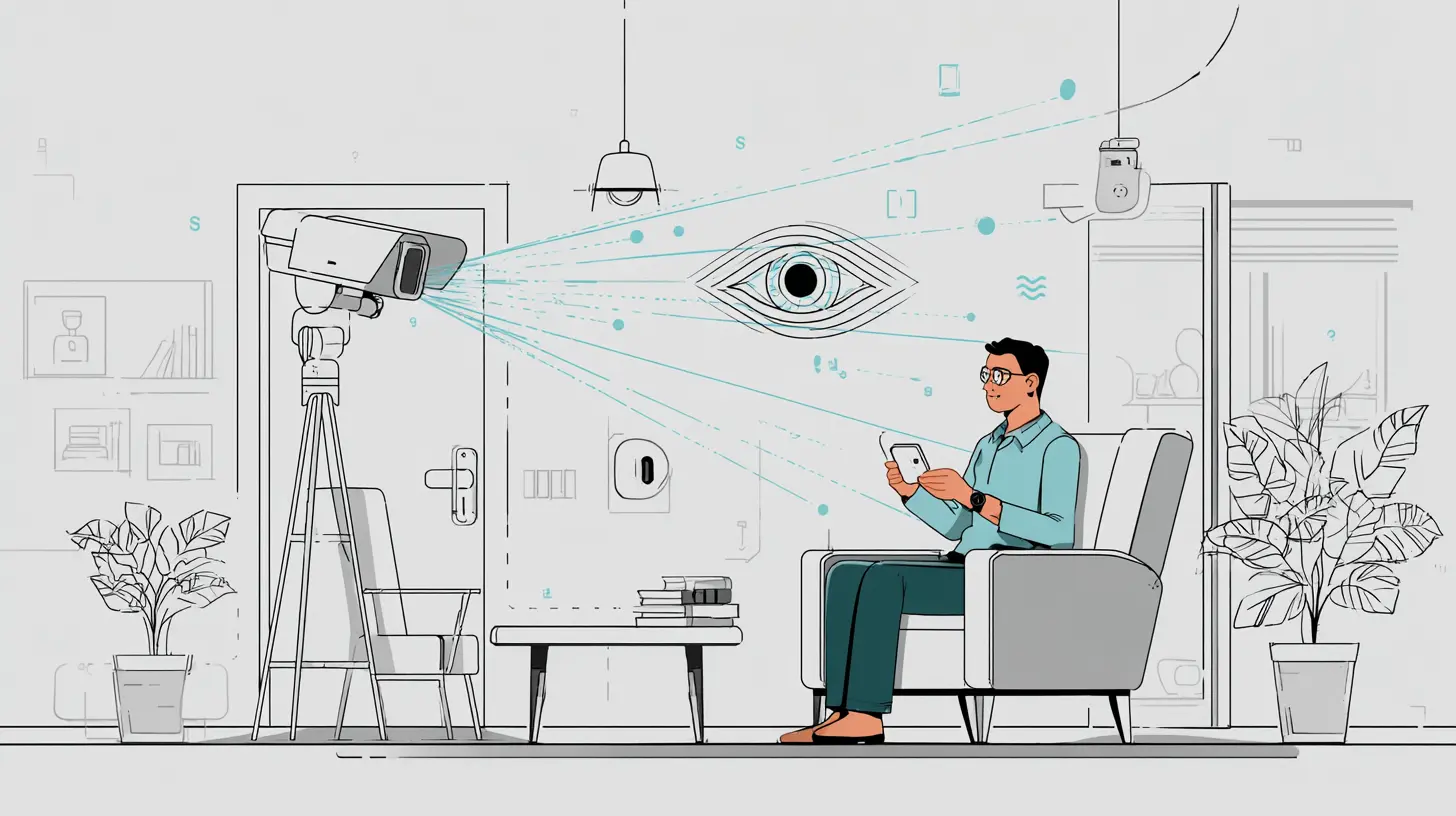
The old model of home security was based on triggers. A door opens, a sensor trips, an alarm sounds. Simple, yes, but also crude. It generated false alarms constantly, and it gave homeowners a false sense of control. You were not really monitoring your home. You were monitoring a set of binary switches that had no idea what was happening in the world around them.AI changes that by adding perception. Instead of just detecting motion, modern systems use computer vision to identify what is moving. A camera with AI can recognize a person, an animal, a vehicle, or a package. It can tell the difference between a face it has seen before and a stranger. It can even track movement patterns across multiple cameras, so a single event is not just a snapshot but part of a larger story. This matters because context is everything in security. A motion alert at 2 PM on a Tuesday might mean nothing, but the same alert at 2 AM when nobody is home is a different situation entirely. AI understands that distinction without you having to set complicated schedules or rules.
The real shift is from reactive to proactive. Older systems waited for something bad to happen and then told you about it. AI systems can anticipate potential issues by analyzing patterns. For example, if a camera notices someone lingering near your side gate for several minutes, it can flag that behavior as suspicious before a break-in attempt even occurs. That gives you time to act, whether that means turning on lights, sounding a siren, or simply checking the live feed.
Why Computer Vision Matters More Than Resolution
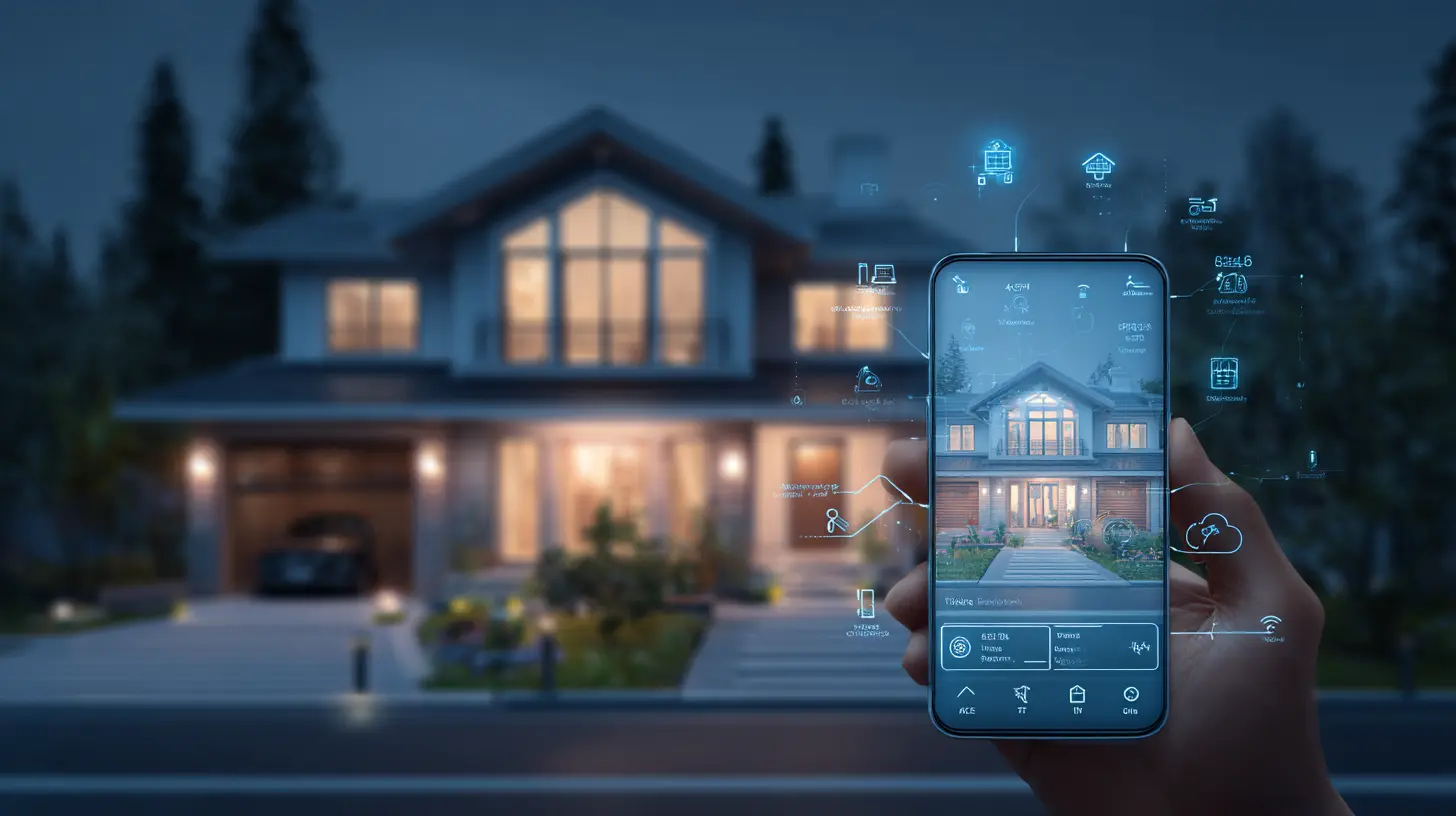
People often assume that a better security camera is simply one with more megapixels. That is a common mistake. Resolution helps you see details, but it does not help you understand what you are looking at. A 4K camera pointed at a dark driveway is still just a bright rectangle with shadows if the system cannot interpret the image. AI-powered computer vision is what turns pixels into meaning.Consider a typical scenario. You get a notification that someone is at your front door. With an old camera, you open the app and see a blurry figure. Is it a friend? A neighbor? A stranger? You have no idea. With AI, the system can tell you that it detected a person, that the person has been standing there for 45 seconds, and that they appear to be holding a clipboard or a package. Some systems can even read facial features well enough to match against a known list of household members. This is not just convenience. It is the difference between ignoring an alert because you assume it is nothing, and responding quickly because the system told you something important.
There is a trade-off here, though. Computer vision requires processing power, and that processing can happen either on the device or in the cloud. On-device processing, often called edge AI, is faster and more private because your footage never leaves your home. Cloud processing can be more powerful, especially for complex models, but it introduces latency and raises privacy questions about where your video data is stored. The best systems use a hybrid approach, doing basic detection locally and sending only relevant clips to the cloud for deeper analysis. When you are shopping for a system, pay attention to where the AI runs. If the camera has no on-board processor, it may be sending continuous video to a server, which is both a bandwidth hog and a potential security risk.
Smart Alerts and the End of Notification Fatigue
One of the biggest complaints about smart home security is the constant stream of notifications. Your phone buzzes because a leaf blew across the driveway. It buzzes because a car drove by. It buzzes because your cat walked in front of the lens. After a week, you start ignoring all alerts, which defeats the entire purpose. AI solves this by filtering out the noise and only alerting you to what actually matters.This is not just about reducing false alarms. It is about prioritizing real events. A good AI system can classify an alert as high, medium, or low priority. A person approaching your front door at 11 PM is high priority. A deer crossing your backyard is low priority. The system can even learn your preferences over time. If you never respond to alerts about animals, it will stop sending them. If you always check alerts when your kids come home from school, it will make sure those notifications are prominent.
But here is the nuance. You do not want a system that is too aggressive in filtering, because that can cause you to miss something important. The goal is not zero notifications. The goal is the right notifications at the right time. A well-designed AI system should let you adjust sensitivity levels for different zones and different times of day. You might want maximum sensitivity at night, but lower sensitivity in the afternoon when you know there will be regular activity. This level of control is what separates a good system from a frustrating one.
Facial Recognition and Privacy Trade-offs
Facial recognition is the most controversial feature in AI home security, and for good reason. It is powerful, but it is also easy to misuse. On the positive side, facial recognition lets your system greet you by name, unlock the door for family members, and alert you specifically when a stranger is present. It can also create a log of who visited and when, which is useful if you have contractors, cleaners, or regular guests.The downsides are real, though. If the system stores facial data in the cloud, that data could be compromised in a breach. There is also the question of consent. If a neighbor walks past your camera, their face is being analyzed and stored without their knowledge. That is a legal gray area in many places, and some countries have strict regulations about biometric data. My advice is to be deliberate about using facial recognition. If you live in a dense urban area where many people pass by, you might want to disable it for public-facing cameras and only use it for interior or entryway cameras. If you live in a rural area with few visitors, the privacy concern is lower. Understand the laws in your region, and always choose a system that lets you opt in or out of biometric features rather than forcing them on you.
Another consideration is accuracy. Facial recognition is not perfect, especially in low light or with partial faces. A system that fails to recognize a family member and locks them out is just as bad as one that lets a stranger in. Test the system thoroughly before relying on it for access control. Use it as an enhancement, not as your only layer of security.
The Role of Smart Cameras in Package Theft Prevention
Package theft, or porch piracy, is one of the most common property crimes in many countries. It is also one of the areas where AI has made the biggest practical difference. A standard camera can record a theft, but by the time you see the footage, the thief is long gone. An AI camera can detect when a package is dropped off, monitor it, and alert you the moment someone picks it up. Some systems can even trigger an audible alarm or a voice warning when a person approaches the package after delivery.This is a great example of AI doing something that a traditional sensor cannot. Motion detection would trigger on the delivery driver, then again on the thief, but it would not understand the relationship between the two events. AI understands that a package is a distinct object, that it has a location, and that it should not move unless someone takes it. That contextual awareness is what makes the system genuinely useful.
There is a practical angle here too. If you have a smart AI camera, you can use it to create a virtual fence around your porch. When the system detects that a package has been sitting for more than a certain time, it can send you a reminder to bring it inside. You can even set up automations with other smart devices, like having your porch light flash when a package is delivered at night. These small integrations add up to a much smoother experience.
Integration with Smart Locks and Alarm Systems
AI does not work in a vacuum. The real power comes when it is integrated with other smart home devices. Consider a smart lock. A traditional lock is either locked or unlocked. An AI-driven lock can make decisions based on context. It can recognize your face and unlock for you, but remain locked for someone who looks similar but is not on your approved list. It can also detect unusual behavior, like someone trying multiple keys or pulling on the handle repeatedly, and send you an alert or even call emergency services.The same logic applies to alarm systems. Instead of a simple armed or disarmed state, an AI alarm system can operate in multiple modes. It can be fully armed when you are away, partially armed when you are home but asleep, and in a perimeter-only mode when you are awake and moving around. The system can learn your schedule and suggest mode changes automatically. This reduces the friction of managing your security, which is important because the best security system is the one you actually use.
One thing to watch out for is compatibility. Not all AI cameras work with all smart locks or all alarm panels. Before you buy, check whether the devices support common standards like Matter, Zigbee, or Z-Wave, or whether they rely on proprietary protocols. A system that only works within one brand's ecosystem can be limiting. I have seen people buy a great AI camera only to find out it cannot trigger their existing smart siren because the two use different wireless standards. Plan your ecosystem before you buy individual pieces.
Privacy, Data Storage, and Who Watches the Watchers
It would be irresponsible to talk about AI home security without addressing privacy. These systems see everything. They record your comings and goings, your visitors, your daily routines, and sometimes even your conversations. That data is valuable, and not just to you. It is valuable to the company that makes the camera, to hackers, and potentially to law enforcement. You need to think carefully about how your data is handled.The first question to ask is whether video is stored locally or in the cloud. Local storage, like an SD card or a network video recorder, keeps your footage on your property. It is more private, but it is also vulnerable to theft or damage. If a burglar takes your camera and your hard drive, your evidence is gone. Cloud storage is more convenient and more secure against physical theft, but it means your video is on someone else's server. Read the privacy policy carefully. Does the company use your footage for training their AI models? Do they share data with third parties? Can you delete your data permanently?
There is also the question of encryption. Your camera should encrypt video both in transit and at rest. If the video is not encrypted, anyone on your local network could potentially intercept it. This is a technical detail that many people overlook, but it is critical. Look for cameras that support WPA3 on your Wi-Fi network and that use TLS for cloud communication. Some high-end systems even offer end-to-end encryption, meaning even the company cannot view your footage without your key.
Another practical tip is to be mindful of camera placement. Do not point a camera into a neighbor's window or over a public sidewalk. Not only is that invasive, but it may also be illegal in your jurisdiction. Keep cameras focused on your own property. You can still cover your entry points and your yard without capturing areas where people have a reasonable expectation of privacy.
Common Mistakes People Make with AI Security Systems
Even with all this intelligence, people still make predictable errors. The most common one is assuming that AI makes the system foolproof. It does not. AI is a tool, and like any tool, it can fail. Cameras can be blinded by direct sunlight, lenses can get dirty, and Wi-Fi can drop. A good system will alert you when a camera goes offline, but you still need to check your cameras regularly to make sure they are working properly.Another mistake is skipping the firmware updates. AI models improve over time, and manufacturers push updates that fix bugs, patch security vulnerabilities, and improve detection accuracy. If you ignore those updates, you are running outdated software that may miss events or be vulnerable to attack. Set up automatic updates if your system supports them, and if not, make it a habit to check for updates monthly.
People also tend to rely on a single camera. One AI camera at the front door is better than nothing, but it leaves your backyard, side doors, and garage blind. A comprehensive system uses multiple cameras that work together. AI can track a person from the street to your backyard across different camera views, which is impossible with a single lens. Think of it as a web, not a point. The more coverage you have, the more context the AI has, and the better its decisions will be.
Finally, do not ignore the physical security basics. AI is wonderful, but a determined burglar can still smash a camera or cut a wire. Your smart system should be backed up by good locks, solid doors, and adequate lighting. AI is an enhancement, not a replacement for physical barriers. Use it to make your home harder to target, not to make up for weak entry points.
The Cost Question and What You Get for Your Money
AI security systems are more expensive than traditional ones, but the price difference is shrinking. You can find a decent AI camera with person detection for under one hundred dollars, though you may pay a subscription fee for cloud storage and advanced features. High-end systems with facial recognition, multiple cameras, and local AI processing can run into the thousands. The question is whether the extra cost is worth it.For most people, the answer is yes, but with conditions. The value of AI is not just in catching criminals. It is in the peace of mind that comes from knowing your alerts are accurate, your system is not crying wolf, and your footage is organized and searchable. That peace of mind has real value. If you travel often, if you have young children, or if you live in an area with higher crime rates, the investment is easily justified. If you live in a very low-crime area and are on a tight budget, a simpler system might be sufficient.
The subscription question is also important. Some companies sell hardware cheaply and make their money on monthly fees. Others sell expensive hardware with no subscription required. Do the math over a three-year period. A system with a low upfront cost but a high monthly fee may end up costing more than a premium system with no subscription. Also, consider whether the subscription adds real value, like longer video history, AI analysis, or priority support, or whether it just unlocks features that should have been included.
Best Practices for Setting Up Your AI Security System
If you are ready to make the leap, here are some practical guidelines. First, start with your entry points. Front door, back door, garage, first-floor windows. These are the most likely points of intrusion. Get those covered first, and then expand outward to your yard, driveway, and sidewalk.Second, position cameras at the right height. Too low, and they are easy to tamper with. Too high, and you only see the tops of heads. Eye level for a standing person, around five and a half to six feet, is a good target. Angle the camera slightly downward to capture faces and packages. Avoid pointing directly into the sun, as that will wash out the image.
Third, set up activity zones. Most AI cameras let you define specific areas in the frame where you want detection to be active. Use this to ignore busy streets or sidewalks that generate too many false alerts. Focus detection on your walkway, your porch, and your driveway. This dramatically improves accuracy and reduces notification fatigue.
Fourth, test the system thoroughly. Walk around your property at different times of day. Have a friend approach your door from different angles. See how the system responds. Adjust sensitivity settings as needed. Do not wait for a real event to discover that a camera has a blind spot.
Fifth, integrate with your daily routine. Set up automations so that when you leave the house, the system automatically arms. When you come home, it disarms. You can use geofencing on your phone to trigger these actions, or you can use a smart lock on your door. The less you have to think about arming and disarming, the more likely you are to use the system consistently.
The Future of AI in Home Security
Looking ahead, the trend is toward even more contextual awareness. We will see systems that can distinguish between the mail carrier, a delivery driver, and a neighbor, and respond differently to each. We will see cameras that can detect unusual sounds, like breaking glass or raised voices, and combine that with video analysis to form a richer picture. We will see better integration with emergency services, where the system can automatically send relevant clips to a monitoring center or directly to police.There is also the rise of generative AI, which could allow systems to describe events in natural language. Instead of a notification that says "Motion detected," you might get a message that says "A person in a red jacket walked up to the front door and placed a package, then left." That level of description requires models that can understand scenes and generate text, which is already possible in other domains and will likely come to security.
But with these advances come new risks. Adversarial attacks, where someone uses patterns or clothing to fool AI, are a growing concern. Researchers have shown that wearing a specially designed shirt or holding a printed pattern can confuse object detection systems. This is not a common threat for home burglars, who are usually not that sophisticated, but it is something to be aware of. The industry is working on making models more robust, but it is an ongoing cat-and-mouse game.
Final Thoughts
AI has made home security smarter, but it has also made it more personal. The best systems today do not just watch your house. They understand it, learn from it, and adapt to your life. They reduce false alarms, provide context, and give you control over your privacy. They are not perfect, and they require some thought and setup, but the payoff is real. You sleep better knowing that your home is being watched by a system that knows the difference between a falling branch and a footstep on the stairs. That is not just technology. That is peace of mind, and it is worth every penny.
all images in this post were generated using AI tools
Category:
Ai In Daily LifeAuthor:

Marcus Gray