Smart Displays: The Ultimate Hub for Your Smart Home
24 December 2025
So, you’ve already dipped your toes into the world of smart home tech — maybe a smart bulb here, a voice assistant there. But now you're thinking, "How do I bring it all together?" That’s where smart displays swoop in like the superhero your chaotic tech life desperately needs.
These screens aren’t just fancy-looking alarm clocks or glorified tablets. Nope. They’re your all-in-one command center, your digital butler, your house manager in a smart suit. Too much? Maybe. But once you see what a smart display can do, you’ll be wondering why you didn’t get one sooner.
Let’s break it down and make this tech magic easy, fun, and totally worth your time.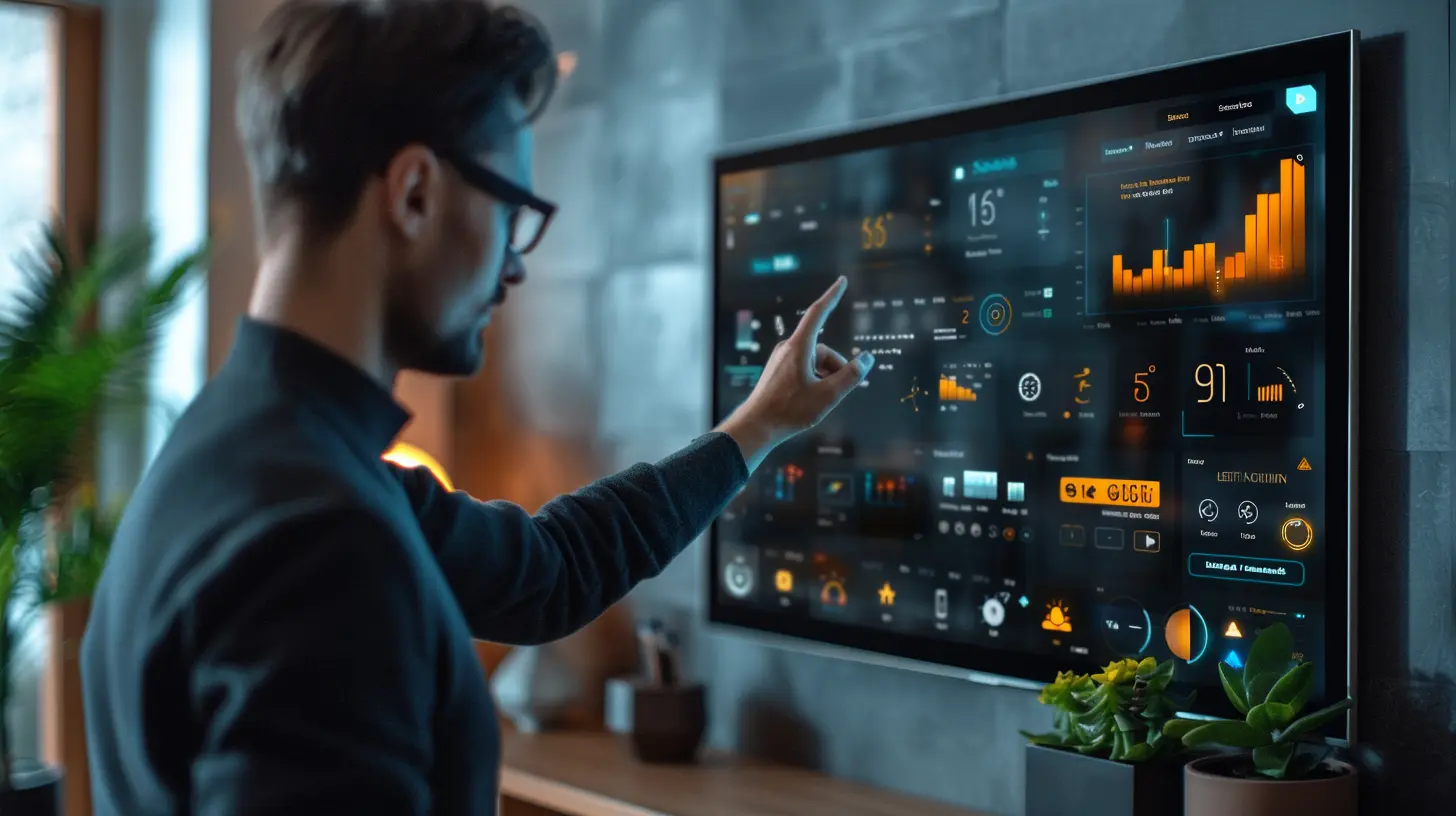
What Exactly Is a Smart Display?
Let’s start with the basics. A smart display is essentially a smart speaker with a touchscreen. It’s like if an Amazon Echo or Google Nest got married to a tablet and had a really talented baby.These devices combine the power of a voice assistant (Alexa, Google Assistant, etc.) with the touch and visual interface of a screen. So instead of just hearing responses to your queries, you get to see them too — kind of like the difference between listening to a weather report and watching it on TV with all the visuals.
They’re the Swiss Army knife of smart homes, handling everything from video calls and cooking timers to controlling your lights, cameras, and thermostats.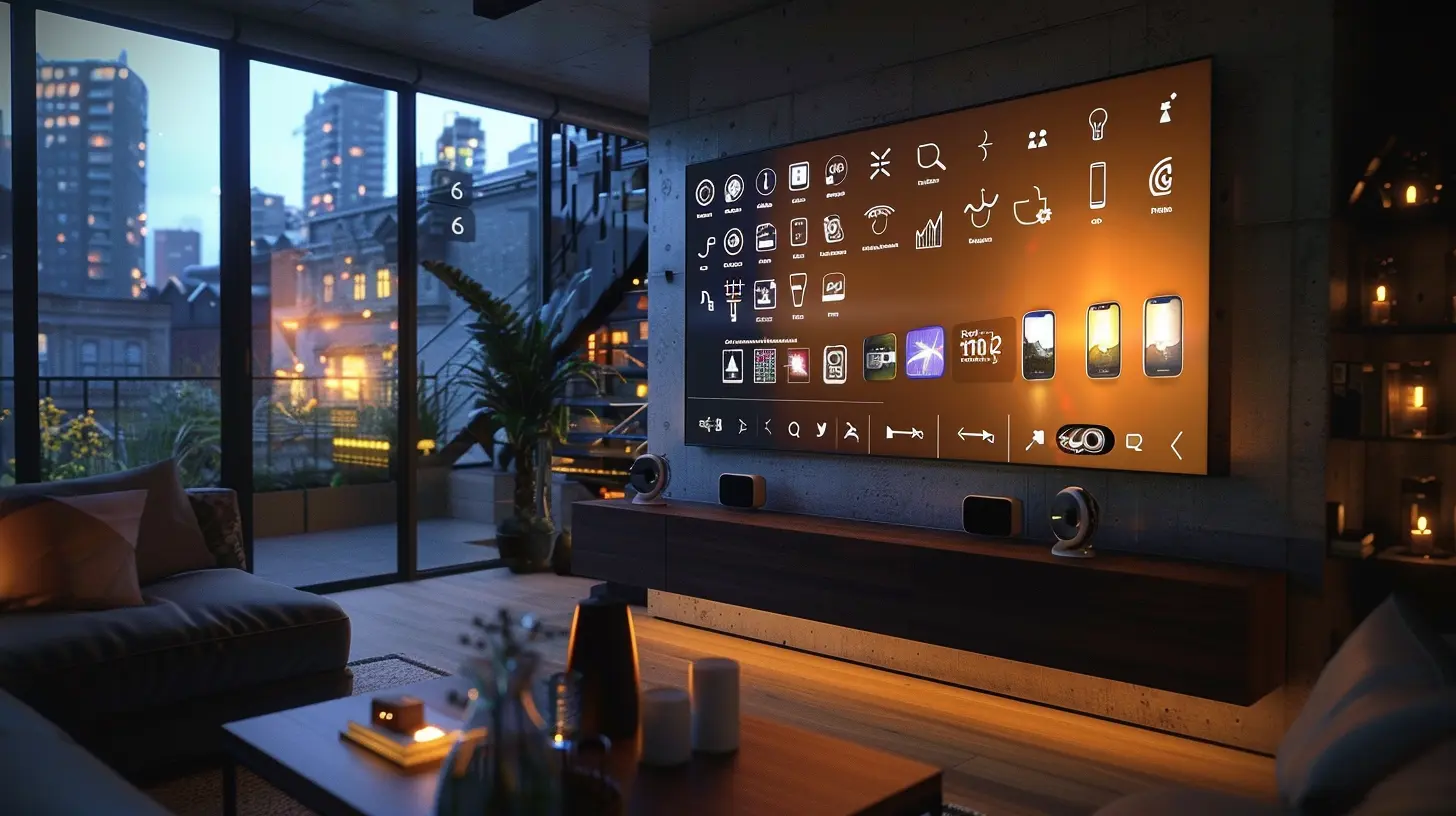
Why Smart Displays Are the MVP of Smart Homes
Now that we’ve met the smart display, let's get into why it's totally worth the hype.1. Total Control in One Spot
Think of your smart display as the cockpit of your smart home spaceship. You can see everything at a glance — lights on? Cameras rolling? Thermostat set right? It’s all right there on your screen.Instead of juggling a dozen apps on your phone, a smart display brings it all together. Tap the screen or say the word, and boom — your house bends to your will (well, almost).
2. See Who’s at the Door — Without Getting Up
Remember the old days of peeking through the blinds when someone rang the bell? Yeah, we’ve evolved.With a smart display connected to a video doorbell or security cam, you get a live feed right on your screen. You can chat with the visitor, ignore them, or freak them out — your call.
3. Cooking with a Smart Sous-Chef
Cooking while holding your phone with flour-covered hands? No thanks.Smart displays can show you step-by-step recipes, play videos, set timers, convert measurements, and more — all hands-free. It’s like having Gordon Ramsay in your kitchen… minus the yelling.
4. Entertainment Central
Let’s face it. Sometimes you just want to play music, watch a video, or see the news while folding laundry. Smart displays let you stream Spotify, YouTube, Netflix (on some models), and more — no remotes required.They’re also great for video calls with family and friends. Some even have auto-framing cameras that follow you around the room. (Creepy? Maybe. Cool? Definitely.)
5. The Family Organizer You Never Knew You Needed
Forget sticky notes on the fridge. Smart displays are perfect for family coordination — shared calendars, grocery lists, reminders, and even digital sticky notes. Everyone stays in the loop without yelling across the house.You can even set personalized routines. Say “Good morning,” and your display can turn on the lights, give you the weather, read your schedule, and start your pump-up playlist. It’s like living in a sci-fi movie, but in sweatpants.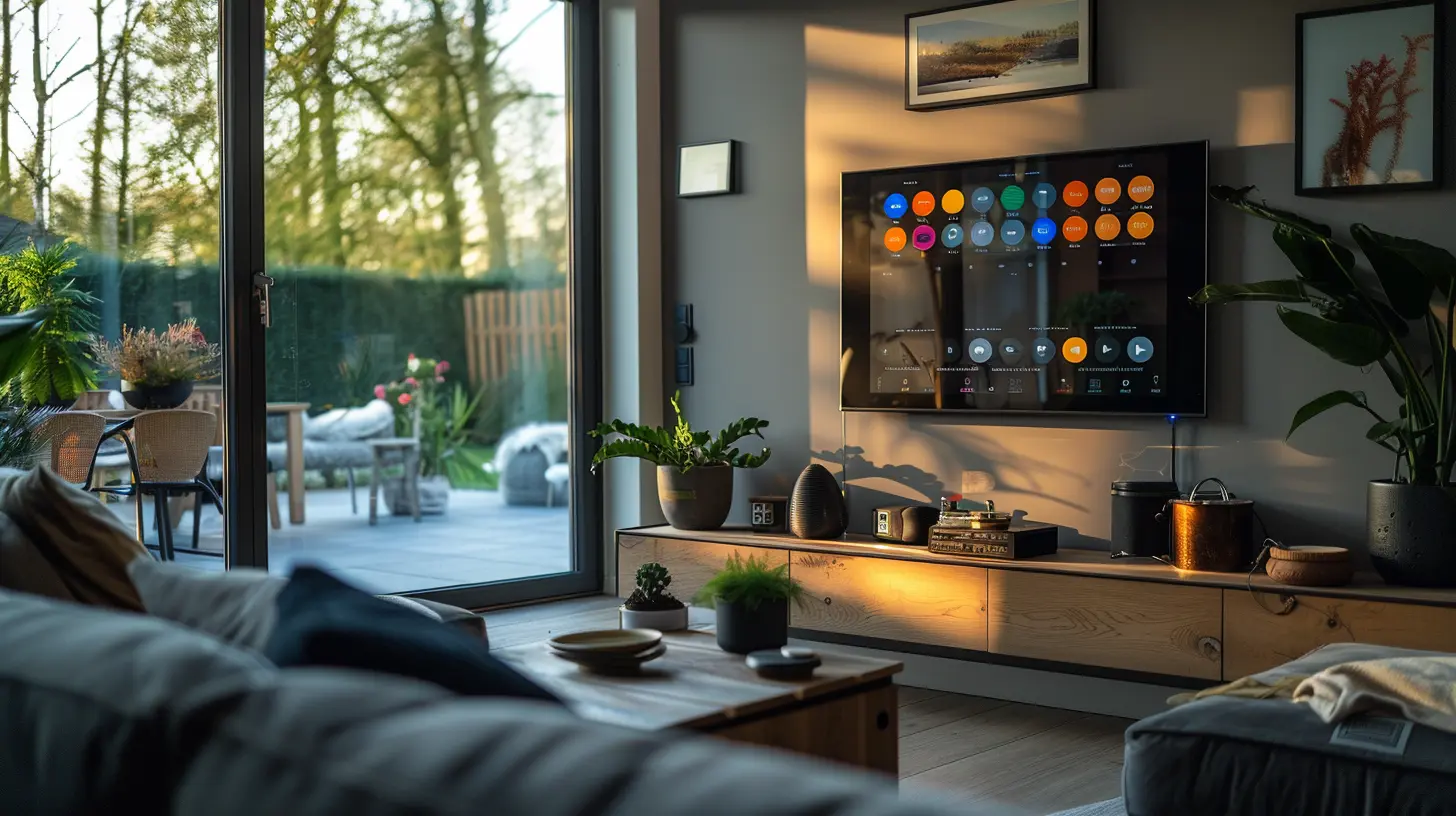
Choosing the Right Smart Display
Okay, now you’re sold — or at least curious. But which one should you get?Good news: There's something for everyone. But choosing the right one depends on your ecosystem (Google, Amazon, or Apple), your needs, and your budget.
1. Amazon Echo Show Series
If you’re all-in on Alexa, the Echo Show lineup is the way to go. It syncs smoothly with your Amazon devices and offers a ton of visual skills.- Echo Show 5: Best for nightstands and compact spaces.
- Echo Show 8: A solid middle-ground, good for kitchens and desks.
- Echo Show 10: With a screen that follows your movements, it’s perfect for video calls or watching shows while you move around.
- Echo Show 15: Basically a digital bulletin board the size of a small TV. Ideal for family command centers.
2. Google Nest Hub Series
Team Google? The Nest Hub fits right in with your Chromecast, your Pixel phone, and the Google Assistant.- Nest Hub (2nd Gen): Great for bedrooms thanks to sleep tracking and no camera (privacy win).
- Nest Hub Max: Comes with a camera for video calls and facial recognition for personalized experiences. A top choice for shared spaces.
3. Apple HomeKit (Wait… Where’s the Display?)
Here’s the twist — Apple hasn’t officially released a smart display (yet), but you can use an iPad as a HomeKit hub with the right setup. Not as seamless, but if you're an Apple loyalist, it’s a decent workaround.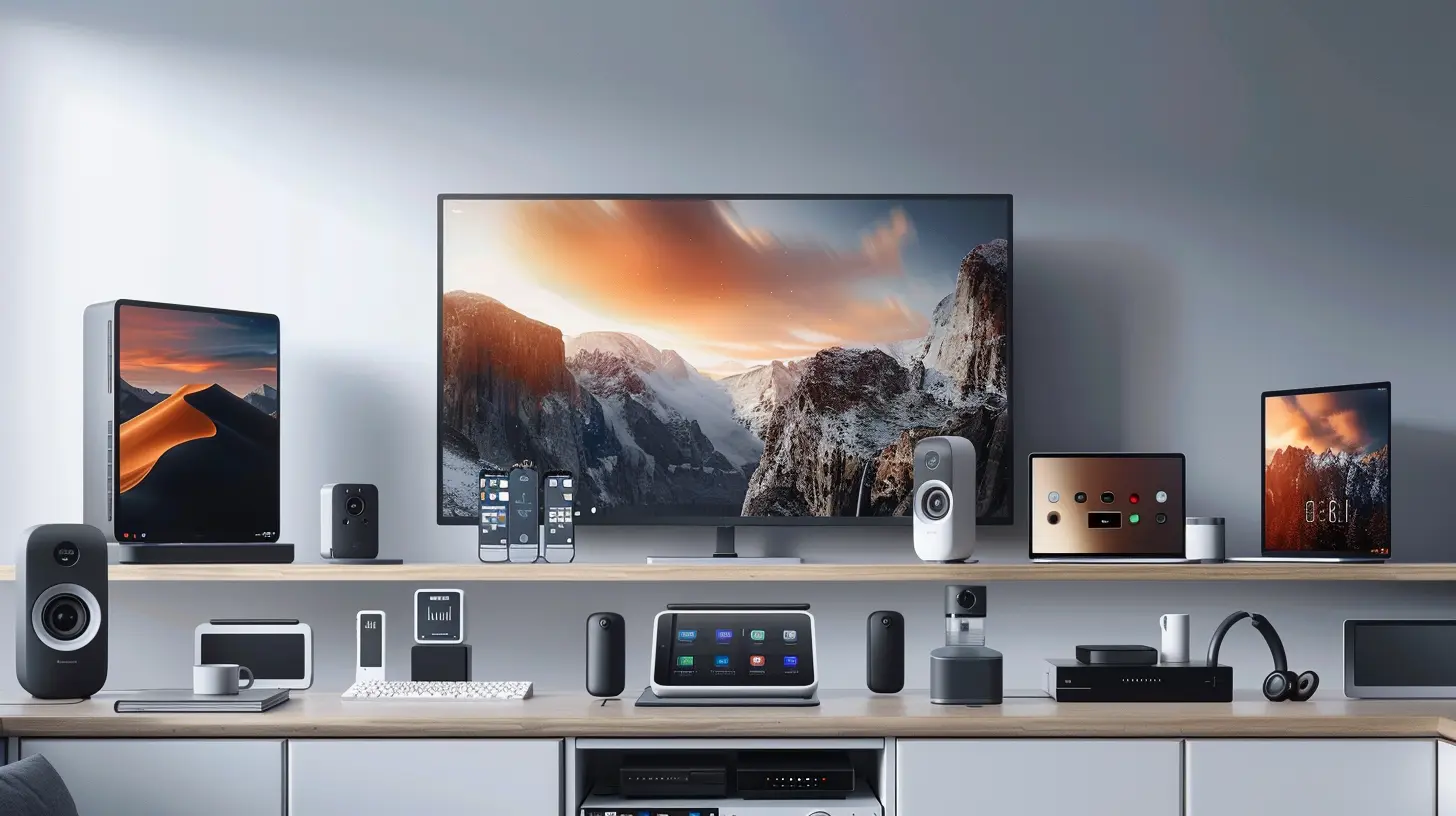
Smart Display Use Cases That’ll Blow Your Mind
Still wondering what makes these things so special? Let’s run through some real-life scenarios.Morning Routine Magic
You stumble into the kitchen half-asleep. Say “Good morning,” and your smart display:- Turns on the coffee maker
- Reads you the weather
- Shows today’s calendar
- Plays your favorite morning podcast
You’re basically living the Jetsons life.
Instant Intercom
“Dinner’s ready!” Instead of screaming up the stairs, just drop in on the kids’ rooms using the intercom feature.Boom. Peaceful parenting: unlocked.
Vacation Mode = Security Mode
Going out of town? Set your smart display to routine “home-like” behavior — lights on and off, sounds playing, even motion detection alerts. You’ll feel like your home's got your back.Privacy Concerns? You’re Not Alone
Now, let’s be real. Whenever a screen or speaker listens to you 24/7, it raises some eyebrows.But the good thing is, manufacturers are becoming more aware of privacy issues. Many smart displays come with:
- Physical camera shutters
- Microphone mute buttons
- End-to-end encryption for video calls
- Customizable permission settings
Always read the privacy fine print, and don’t forget to adjust the settings to your comfort level. You’re in control.
Smart Displays and Smart Ecosystems: Better Together
Here’s the secret sauce to making smart displays truly shine — integrating them with compatible devices. Think:- Smart lights (Philips Hue, LIFX)
- Smart plugs (TP-Link, Wemo)
- Smart thermostats (Nest, Ecobee)
- Smart locks (August, Yale)
- Smart cameras (Ring, Arlo, Nest)
The more you connect, the more seamless and magical your setup becomes. It’s like upgrading to a VIP ticket for your home management.
Tips to Get the Most Out of Your Smart Display
Here are a few hacks to elevate your experience:- Set up routines for different times of day (morning, evening, bedtime).
- Use voice and touch together — sometimes it’s faster to tap than to talk.
- Group devices by room for smoother control.
- Enable photo display mode to turn your screen into a digital photo frame.
- Keep it updated — new features roll out regularly!
The Verdict: Is It Worth It?
Short answer? Absolutely.A smart display is more than just a gadget. It’s a lifestyle upgrade. Whether you're looking to simplify your routines, stay connected with loved ones, boost your home's security, or just make life a little more effortless, a smart display delivers in style.
It’s one of those rare tech purchases that actually makes things easier instead of adding more complexity. And that, my friend, is a rare find in the digital age.
Final Thoughts
If your smart home feels like a bunch of puzzle pieces scattered across the table, a smart display is the piece that ties it all together. It’s not just about being fancy — it’s about being functional, seamless, and yes, even a little magical.So go ahead. Turn your home into the smart hub you always imagined. Your future self will thank you.
all images in this post were generated using AI tools
Category:
Gadget ReviewsAuthor:

Marcus Gray
Discussion
rate this article
2 comments
Micah Jimenez
This article beautifully highlights the transformative role of smart displays in our homes. They truly enhance connectivity and convenience, turning routine tasks into seamless experiences. Excited to see how they evolve our daily lives!
January 19, 2026 at 3:21 AM
Marcus Gray
Thank you! I'm glad you enjoyed the article and share the excitement about the future of smart displays. They truly are game changers for our homes!
Barbara McGivern
Great insights on smart displays! They truly enhance smart home experiences by centralizing control and providing seamless integration for users.
December 27, 2025 at 11:53 AM
Marcus Gray
Thank you! I'm glad you found the insights valuable. Smart displays really do make managing smart homes more intuitive and connected!