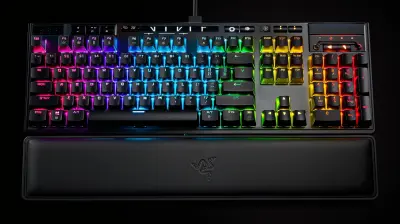
The Best Wireless Keyboards for Productivity and Gaming
18 December 2025
Let’s face it—keyboards are one of those things we don’t think too much about… until we get stuck with a bad one. Whether you’re grinding through a 12-hour workday or crushing your opponents in a high-stakes gaming session, the right wireless keyboard can make all the difference. It can boost your speed, comfort, and overall experience—and save you from the dreaded wrist pain or lag.
In a world where wires are becoming relics of the past, wireless keyboards offer the freedom and flexibility we all crave. But with so many options flooding the market, how do you choose the perfect one?
This guide breaks down the best wireless keyboards for both productivity and gaming. We'll dive into what really matters: response times, battery life, design, switch types, and yes—how they actually feel under your fingers.
Why Go Wireless?
Before we get into the list, let’s answer the big question you may be asking yourself: _Why go wireless at all?_Here’s the deal:
- Clutter-free desk: No messy cables snaking around your workspace.
- Portability: Easy to toss in a bag and work from anywhere.
- Flexibility: Connect to multiple devices via Bluetooth or a USB dongle.
For both gamers and workaholics, the freedom of wireless is a game-changer—literally.
Key Features to Look For in a Wireless Keyboard
Buying a wireless keyboard isn’t just about ditching the cable. Here are a few key features worth paying attention to:1. Low Latency
For gamers, latency is a dealbreaker. You want a keyboard that responds as fast as a wired one. Look for features like 2.4GHz wireless tech or gaming modes that minimize lag.2. Battery Life
Nobody wants to be mid-email or mid-boss-fight and suddenly need to find batteries. Some keyboards last weeks on a charge; others need juice daily. Know what you're getting into.3. Switch Type
Mechanical or membrane? Tactile or linear?- Mechanical switches offer that satisfying click and faster response time—perfect for gamers.
- Membrane keyboards are quieter and usually more affordable—great for office environments.
4. Build Quality
Plastic feel? No thanks. A solid, durable build ensures your keyboard stands the test of time (and rage quits).5. Multi-Device Support
Want to jump between your laptop, tablet, and phone? Some wireless keyboards make switching between devices as easy as pressing a button.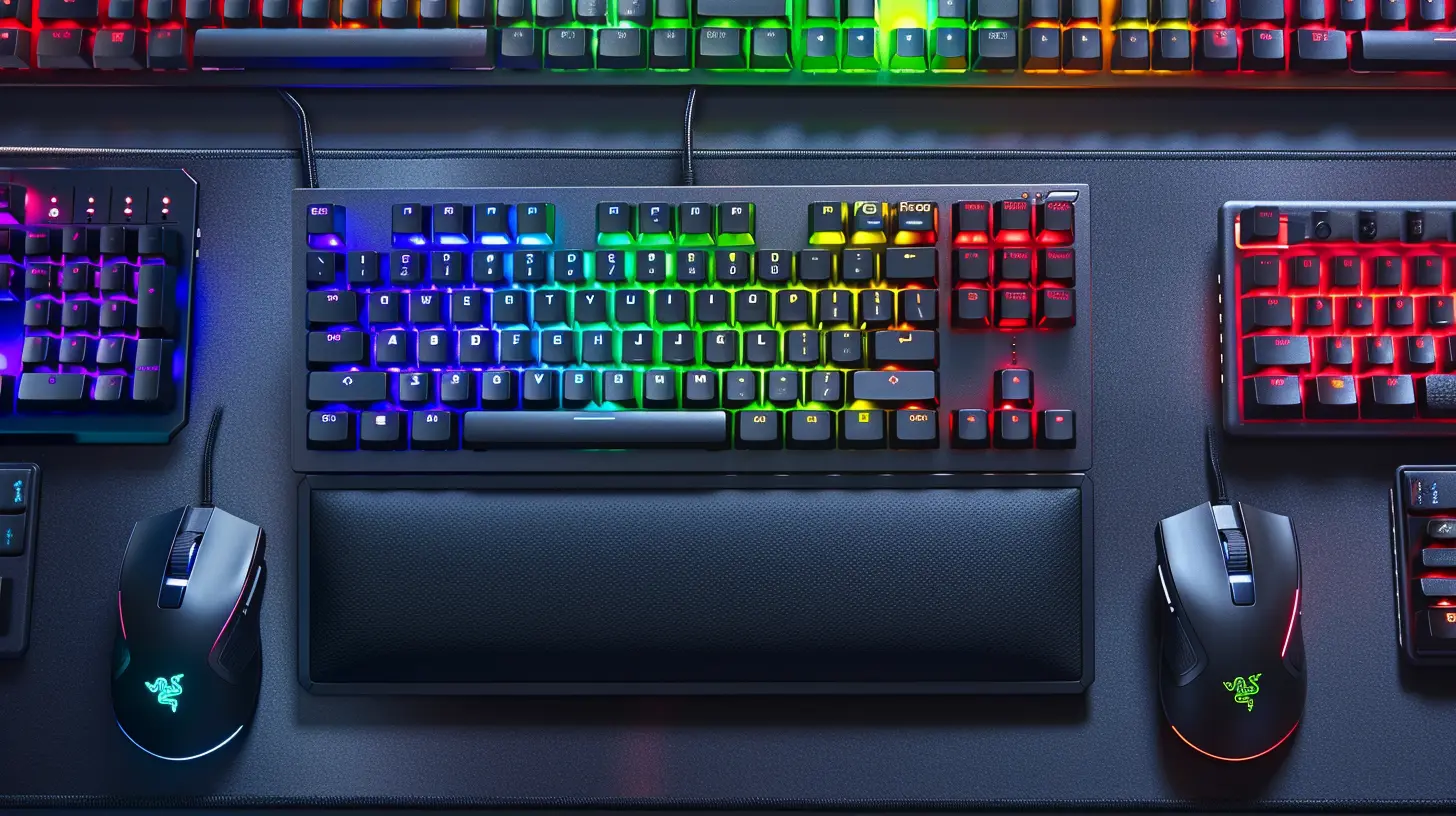
Top Wireless Keyboards for Productivity
Let’s kick things off with the keyboards that can seriously boost your productivity. These are the ones you’ll want for typing reports, replying to emails, or just hammering out that next novel.🧠 Logitech MX Keys
Why it rocks:This one’s a fan-favorite for a reason. The Logitech MX Keys is designed with productivity in mind. It’s got low-profile scissor switches that feel insanely comfortable—like typing on a cloud made of marshmallow keys.
Highlights:
- Backlit keys that adjust to ambient lighting
- Connect up to three devices
- USB-C charging with weeks of battery life
- Solid metal build—feels premium
Perfect for: Writers, engineers, remote workers.
🧠 Keychron K2 (Wireless Mechanical)
Why it rocks:Need mechanical keys without losing wireless convenience? The Keychron K2 hits the sweet spot. It’s compact, good-looking, and works with both Mac and Windows.
Highlights:
- Hot-swappable switches (customize to your liking)
- Bluetooth 5.1 & USB-C wired connection
- 72-hour battery life
- Compact 75% layout — saves desk space
Perfect for: Coders, typists, people who like that “clicky” feedback.
🧠 Microsoft Surface Keyboard
Why it rocks:If you like minimalist aesthetics and seamless integration with Windows, this one's a gem. It’s not flashy, but it does the job beautifully—quiet, responsive, and sleek.
Highlights:
- Premium aluminum finish
- Long battery life (up to 1 year on AAA batteries)
- Seamless Windows integration
- Low-profile keys
Perfect for: Office workers, Surface device users, minimalists.
Top Wireless Keyboards for Gaming
If you’re here to dominate the leaderboard, you need something built for speed and endurance. Gaming keyboards need ultra-low latency, durable switches, and features that give you an edge.🎮 Logitech G915 TKL
Why it rocks:This keyboard is a beast in the gaming world. It’s low-profile, ultra-responsive, and stunning to look at with per-key RGB lighting.
Highlights:
- LIGHTSPEED wireless for pro-grade performance
- Low-profile GL mechanical switches
- 40-hour battery life with RGB on
- Aluminum alloy top plate — built like a tank
Perfect for: FPS gamers, competitive players, RGB lovers.
🎮 Razer BlackWidow V3 Pro
Why it rocks:This is the Cadillac of wireless gaming keyboards. Mechanical switches with a satisfyingly tactile bump, 3 connection modes, and full-size layout for everything from gaming to typing.
Highlights:
- Razer Green or Yellow mechanical switches
- Hyperspeed wireless + Bluetooth + USB-C
- Plush wrist rest included
- Up to 200 hours battery life (with RGB off)
Perfect for: Hardcore gamers, streamers, keyboard snobs who want it all.
🎮 SteelSeries Apex Pro Mini Wireless
Why it rocks:SteelSeries took their premium Apex Pro and shrunk it down to a 60% form factor—perfect for those who want to free up mouse space. And yes, it’s still packed with killer features.
Highlights:
- Adjustable OmniPoint switches (actuation from 0.2mm to 3.8mm!)
- 2.4GHz wireless and Bluetooth
- 30+ hours battery
- Compact and lightweight
Perfect for: Esports players, minimalists, gamers on the go.
Best Budget Wireless Keyboards (Under $100)
Not looking to drop a ton of cash? You can still find quality options that don’t break the bank.💸 Logitech K780
Why it rocks:This keyboard lets you switch between three devices easily—factor in the built-in phone and tablet stand, and you’ve got a killer productivity station.
Highlights:
- Multi-device support
- Built-in stand
- Full-size layout
- 2 years of battery life on 2 AAA batteries
Perfect for: Students, multitaskers, budget-conscious professionals.
💸 Redragon K596 Vishnu
Why it rocks:Affordable? Yep. Mechanical? You bet. Wireless and RGB? Believe it. The Redragon K596 gives you high-end features at a fraction of the cost.
Highlights:
- 2.4GHz wireless + USB-C wired
- Red mechanical switches
- 10+ hours battery with RGB
- Dedicated macro keys
Perfect for: Gamers on a budget, newcomers to mechanical keyboards.
Which Keyboard Should You Choose?
Still overwhelmed? Let’s break it down even further.| Need | Best Pick |
|----------|----------------|
| Work productivity | Logitech MX Keys |
| Mac compatibility | Keychron K2 |
| Mechanical feel | Redragon K596 |
| Hardcore gaming | Razer BlackWidow V3 Pro |
| Minimal desk setup | SteelSeries Apex Pro Mini |
| Budget multitasking | Logitech K780 |
When picking the best wireless keyboard, think about how you’ll use it most. Type all day? Go for comfort. Game all night? Prioritize speed and customization.
Final Thoughts
Getting the right wireless keyboard is more than just a tech upgrade—it’s an investment in your comfort, speed, and even health. You’re going to spend hours with this thing, so don’t settle for less than amazing.Whether you need a sleek office companion or a responsive gaming beast, the perfect wireless keyboard is out there waiting to level up your setup.
So go ahead. Treat yourself to a keyboard you’ll actually enjoy typing on. Your fingers will thank you.
all images in this post were generated using AI tools
Category:
Computer HardwareAuthor:

Marcus Gray
Discussion
rate this article
2 comments
Maggie Jordan
Type faster, game harder—no wires!
January 20, 2026 at 5:28 AM
Marcus Gray
Thanks for your enthusiasm! Wireless keyboards definitely enhance both productivity and gaming experiences.
Courtney Lambert
Great picks! Perfect blend of productivity and gaming!
December 18, 2025 at 3:25 AM
Marcus Gray
Thank you! I'm glad you enjoyed the picks!