Why Voice-First Mobile Apps Are Gaining Ground
20 July 2026
The shift from touch to talk is not a gimmick. It is a fundamental rethinking of how humans interact with machines. Voice-first mobile apps, which place voice input and output at the center of the user experience rather than treating it as an add-on, have moved from novelty to necessity in several key domains. This article examines the technical, behavioral, and design forces driving this trend, offering practical guidance for developers, product managers, and decision-makers who want to build or evaluate voice-first experiences.

The Invisible Interface: Why Voice Works
Voice-first design is not about replacing screens. It is about making the interface disappear when the user does not need it. The most successful voice-first apps succeed because they reduce cognitive load, not because they are flashy.Consider the difference between tapping through a multi-step form and saying "Book a table for two at 7 PM." The voice path requires zero visual attention, zero manual dexterity, and zero navigation. This is why voice-first apps are gaining ground in contexts where hands, eyes, or attention are occupied: driving, cooking, exercising, or walking.
But voice has a deeper advantage. It is the most natural human communication channel. We learn to speak before we learn to read, swipe, or type. A well-designed voice interface meets users where they already are cognitively. The trade-off is that voice is sequential and ephemeral. Users cannot scan a list of options; they must hear them one at a time. This constraint forces designers to be ruthlessly selective about what the app says and when.
When Voice Fails
Voice-first is not a universal solution. It fails in noisy environments, in public spaces where speaking feels awkward, and for tasks that require precise visual comparison, like choosing between two similar products on a screen. The best voice-first apps know when to hand off to a graphical interface. A voice-first medicine reminder app, for example, should speak the dosage but show a picture of the pill when the user says "Show me."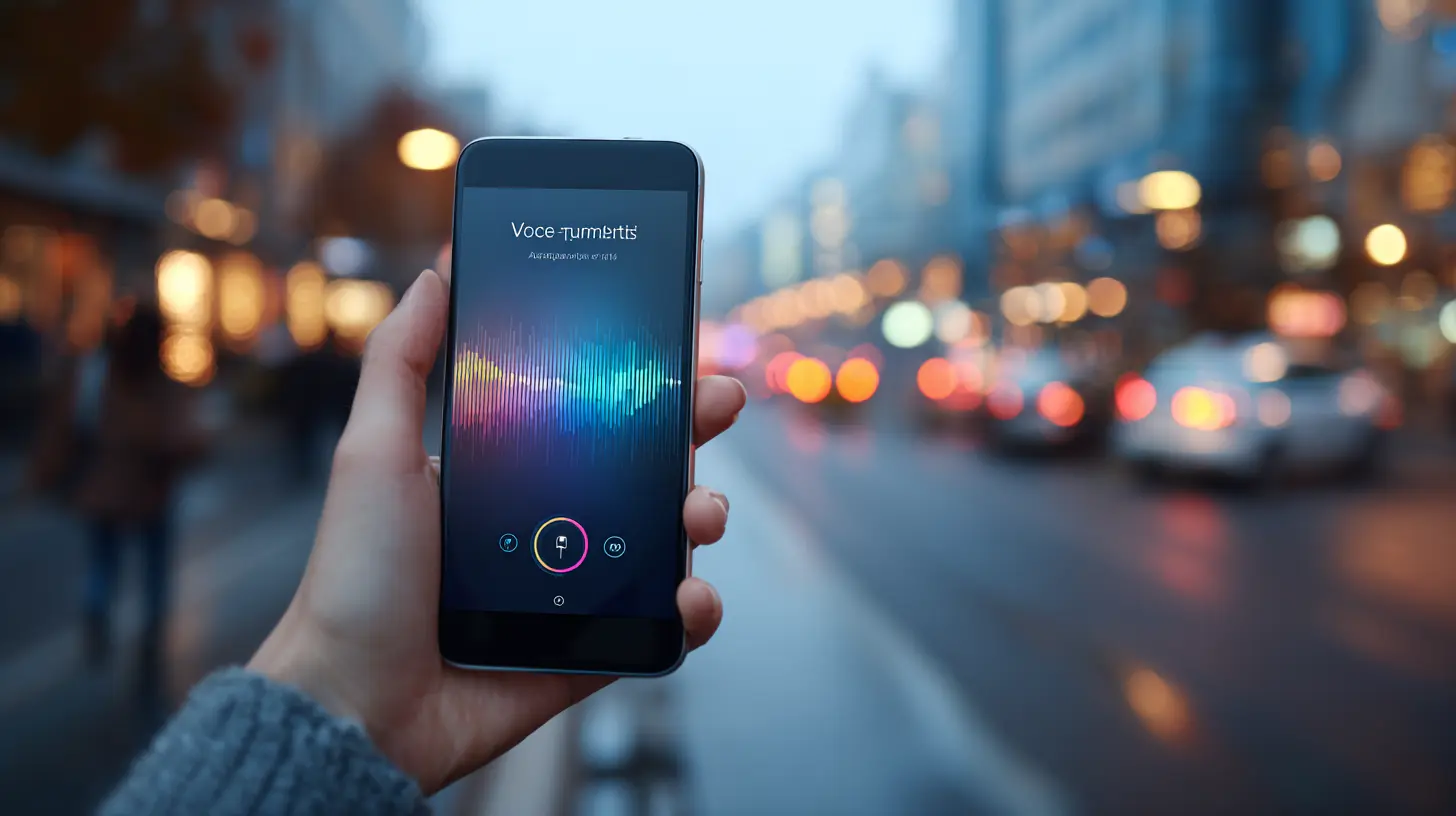
The Technology Stack That Makes Voice Viable
Voice-first apps depend on three tightly integrated layers: automatic speech recognition (ASR), natural language understanding (NLU), and text-to-speech (TTS). Each layer has made dramatic leaps in the last five years, but each still carries limitations that designers must understand.Automatic Speech Recognition: Accuracy Is Not Enough
Modern ASR systems, powered by deep learning, achieve word error rates below 5 percent in quiet conditions. That sounds impressive until you realize that a 5 percent error rate on a 20-word command means one word is wrong on average. In practice, ASR struggles with accents, background noise, domain-specific jargon, and homophones.The common mistake is to assume that ASR will improve to the point where no fallback is needed. That is unlikely. The physics of acoustic noise and the variability of human speech mean that some errors are irreducible. The best practice is to design for graceful failure. If the app misunderstands "Set a timer for 10 minutes" as "Set a timer for 10 minutes on the stove," it should confirm before taking irreversible action. A simple "Did you say 10 minutes?" gives the user a chance to correct without frustration.
Natural Language Understanding: Intent and Entities
NLU is where the real intelligence lives. It maps what the user said to an intent (e.g., "set timer") and extracts entities (e.g., duration = 10 minutes). Early voice apps relied on rigid grammars that required exact phrasing. Modern NLU uses transformer-based models that handle paraphrasing, but they still struggle with ambiguous references.For example, "Play that song" requires context. Which song? The last one mentioned? The one the user hummed earlier? The best voice-first apps maintain a rich conversation state. They remember previous turns, user preferences, and even environmental context like time of day or location. This is not just a technical detail; it is a design philosophy. Treat each voice interaction as part of an ongoing conversation, not a isolated command.
Text-to-Speech: The Uncanny Valley Problem
Early TTS sounded robotic and exhausting to listen to. Modern neural TTS, like that used in premium voice assistants, sounds remarkably human. But that creates a new problem: users expect the app to understand context, emotion, and nuance just because it sounds natural. A TTS voice that sounds human but gives robotic, repetitive answers is more jarring than a clearly synthetic voice.The trade-off is between naturalness and transparency. A slightly synthetic voice signals to the user that they are talking to a machine, which sets appropriate expectations. A hyper-realistic voice can mislead users into over-trusting the system. My recommendation is to choose a voice that is pleasant but clearly artificial, and to use prosody (pitch, pace, emphasis) to convey confidence and clarity, not emotion.

Design Principles for Voice-First Mobile Apps
Voice-first design is not screen design with voice added. It requires a different mental model. Here are the principles that separate effective voice apps from frustrating ones.Principle 1: Minimize Cognitive Load in Every Turn
Every time the app speaks, it consumes the user's attention. Long prompts or multiple options force the user to remember and choose, which is mentally taxing. Instead of saying "You have three options: say A to check balance, B to transfer money, or C to pay bills," design the app to ask one question at a time.Better: "Do you want to check your balance?" If yes, proceed. If no, "Do you want to transfer money?" This progressive disclosure feels slower but is actually faster because the user never has to hold multiple options in memory.
Principle 2: Confirm Before Acting
Voice commands are prone to misinterpretation. Always confirm before performing irreversible actions like sending money, deleting data, or making a purchase. The confirmation should be brief and require a simple yes or no. Avoid asking "Are you sure?" in a way that sounds like a nagging parent. Instead, state the action clearly: "Transfer 50 dollars to John. Is that correct?"Principle 3: Provide Clear Feedback for Non-Speech Actions
Voice-first apps still need to handle touch and gesture. When the user taps a button, the app should respond with a brief audio cue or spoken confirmation. Silence is the enemy of voice-first design. If the user taps "Cancel" and hears nothing, they will wonder if the app registered the tap.Principle 4: Design for Barge-In
Users naturally interrupt voice systems, especially when they realize they made a mistake. The app should stop listening and respond to the new input immediately. This is technically challenging because the app must distinguish between the user's voice and background noise, but it is essential for a natural feel. Apps that force users to wait until the prompt finishes feel broken.Principle 5: Handle Errors Without Blaming the User
Never say "I didn't understand that." That phrasing puts the fault on the user. Instead, say "Could you repeat that?" or "I missed that, sorry." Even better, offer a hint: "You can say something like 'Set timer for five minutes'."
Real-World Examples and What They Teach Us
Several mobile apps have successfully adopted a voice-first approach. Examining them reveals patterns that others can replicate.Voice-First Banking: The Case of Simple Commands
Banking apps like those from major institutions now offer voice balance checks, transaction history, and fund transfers. The key insight is that these are high-frequency, low-complexity tasks. Users check their balance multiple times a day, often while doing something else. Voice reduces the friction to near zero.The mistake some banking apps make is trying to handle complex tasks like dispute resolution or loan applications via voice. Those tasks require reading terms, comparing options, and reviewing details. The voice-first banking app should know its limits and gracefully hand off to a screen or a human agent.
Voice-First Navigation: The Gold Standard
Navigation apps like Google Maps and Waze were early adopters of voice-first interaction. The reason is obvious: eyes-free operation is critical while driving. But these apps also demonstrate a crucial design pattern: they use voice for input and output, but the screen provides supplementary visual information.When you say "Navigate to the nearest gas station," the app speaks the result but also shows a map. This multimodal approach is the sweet spot. Voice handles the command; the screen handles the spatial data. Pure voice-only navigation would require the app to describe every turn in excruciating detail, which is inefficient and annoying.
Voice-First Smart Home Controllers
Smart home apps like those for lighting, thermostats, and locks are increasingly voice-first. The reason is that these are environmental, background tasks. You do not want to pull out your phone and open an app just to dim the lights. You want to say "Dim the living room lights to 50 percent" and have it happen.The challenge here is disambiguation. Which lights? Which room? The best smart home voice apps use location and context. If the user is in the living room, "Dim the lights" should default to that room. If the user says "Dim the lights" while in the bedroom, the app should ask for clarification rather than assuming.
Common Misconceptions About Voice-First Design
Several persistent myths lead teams to build poor voice experiences.Misconception: Voice Is Always Faster
Voice is faster for simple, linear commands. It is slower for browsing, comparing, or editing. A user can scan a list of 10 restaurants on a screen in under a second. Having a voice app read those same 10 options would take over a minute. The misconception leads designers to force voice into tasks where visual scanning is superior.Misconception: Users Want to Talk to Their Apps
Many users prefer to tap rather than talk, especially in public or private settings. Voice-first does not mean voice-only. The best voice apps let users choose their input modality. A user might say "Play my workout playlist" at home but tap the same button at the gym.Misconception: Voice Apps Need to Sound Human
As discussed earlier, hyper-realistic voice can backfire. Users expect human-level understanding from a human-sounding voice, and they get frustrated when the app fails to grasp nuance. A clearly synthetic voice sets lower expectations and often leads to higher satisfaction because the system meets those expectations.
Practical Advice for Building a Voice-First Mobile App
If you are building a voice-first app, start with a narrow domain. Do not try to handle every possible user request. Define the top 10 things users will want to do and optimize those ruthlessly. Add capabilities only after the core flows are polished.Choose Your ASR Engine Carefully
Major cloud providers offer ASR with varying performance for different languages, accents, and domains. Test your app with real users, not just with the development team. Record the sessions and analyze where ASR fails. You may need to train a custom model for your domain, especially if you use specialized jargon.Design Your Conversation Flow as a State Machine
Voice interactions are sequential. Model them as a state machine where each state represents a point in the conversation. This makes it easy to handle unexpected inputs, timeouts, and error recovery. It also forces you to think about every possible path the user might take.Test in the Wild
Voice apps behave differently in quiet offices versus noisy cafes or windy streets. Do your testing in the actual environments where users will use the app. This is where you will discover that ambient noise, children, or radio chatter can derail your carefully designed flows.Plan for Privacy
Voice data is sensitive. Users are increasingly aware that their conversations are being recorded and analyzed. Be transparent about what data you collect, how long you keep it, and whether it is used for training. Offer a clear way for users to delete their voice recordings. Privacy is not just a legal requirement; it is a trust-building feature.The Future of Voice-First Mobile Apps
Voice-first apps will continue to gain ground as ASR and NLU improve, but the biggest advances will come from better design, not better technology. The apps that succeed will be those that understand the limits of voice and work within them.We will see more context-aware voice apps that use location, time, user history, and even biometric data to anticipate what the user wants. A voice-first fitness app could learn that you always ask for the same playlist when you start your run, and offer to play it before you ask.
We will also see better multimodal interfaces where voice, touch, gesture, and gaze work together seamlessly. The phone will listen for a voice command, but if the user looks at the screen, it will switch to a visual display.
The ultimate goal is not to replace screens but to make the interaction feel as natural as talking to a competent assistant. That assistant does not need to be perfect. It just needs to be helpful, respectful of your time, and honest about what it can and cannot do.
all images in this post were generated using AI tools
Category:
Mobile ApplicationsAuthor:

Marcus Gray