How to Maximize Storage on Your Gaming Console
12 May 2026
Let’s face it—storage on gaming consoles is like your closet: no matter how big it seems at first, it somehow ends up overflowing with stuff quicker than you'd expect. You buy a few games, download some updates, maybe install a new expansion or two, and boom—your console is wheezing under the pressure of low storage.
If you're tired of constantly deleting games just to make room for new ones or feel like your console is gasping for breath, you've landed in the right place. Whether you're rocking a PlayStation, Xbox, Nintendo Switch, or even a handheld console like the Steam Deck, there are smart—and surprisingly simple—ways to stretch your storage space to its fullest potential.
This guide spills all the beans on how to maximize storage on your gaming console with practical tips, helpful tools, and a dash of real talk.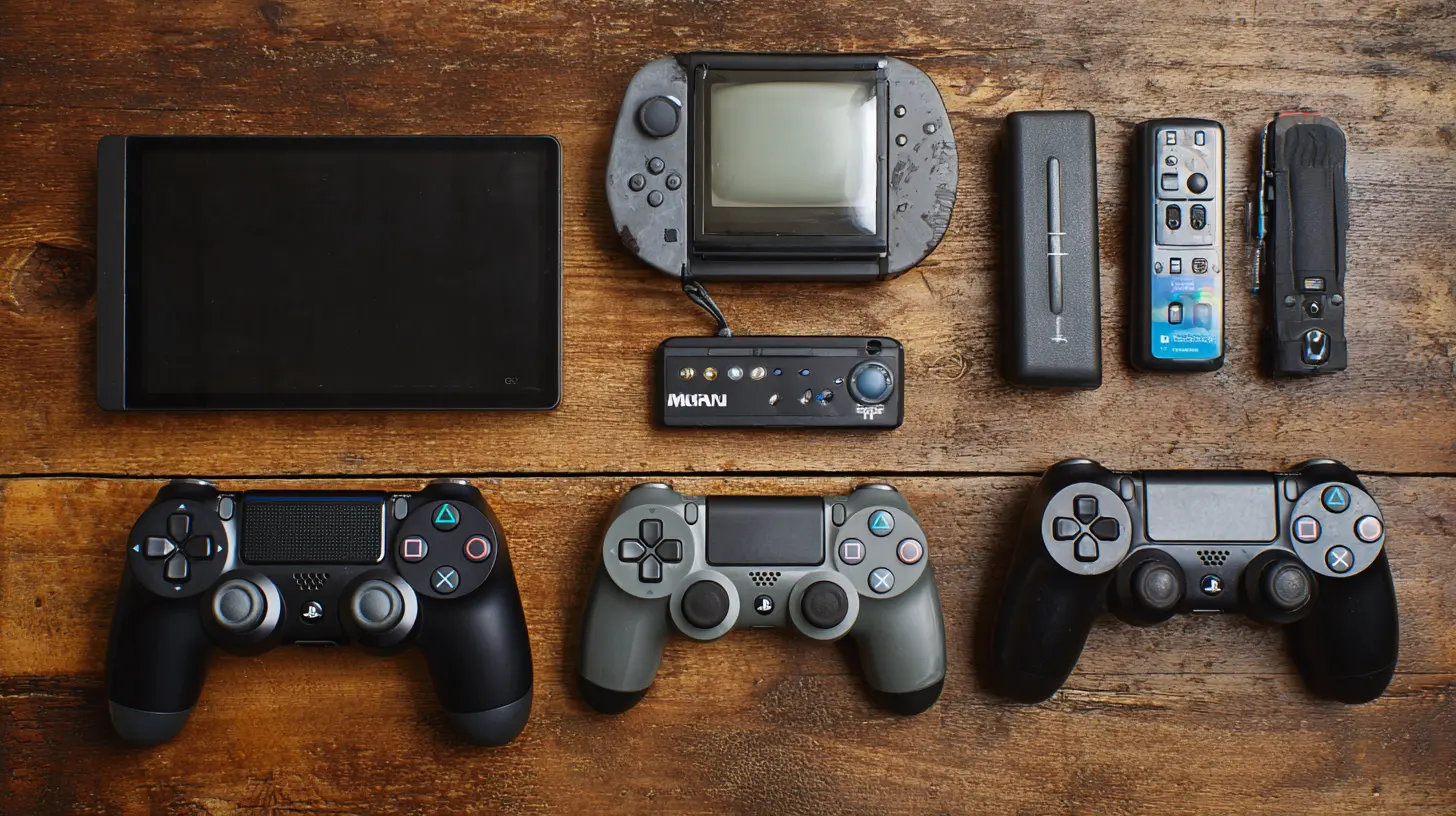
Why Console Storage Matters More Than Ever
Games today aren’t what they used to be. Remember the days when a game fit on a CD, and that was it? Fast-forward to today, and a single AAA title can gobble up 100+ GB in the blink of an eye. Between massive game files, frequent updates, and downloadable content (DLC), your storage isn't just precious—it's sacred.Plus, consoles like the PS5 and Xbox Series X/S come with fast but limited SSD storage. It's lightning-quick, yeah, but that speed runs out of runway real quick when you keep piling on games.
So yeah, managing storage isn’t just about convenience—it’s about keeping your gaming experience frustration-free.
Start with a Storage Audit ?
Before you go full-on digital Marie Kondo, start with a reality check. Go into your console’s storage settings and look at what’s eating up space. Most consoles break it down into games, apps, media, and system files.Ask yourself:
- Do I still play all these games?
- How often do I use these apps?
- Are there old screenshots or clips I can delete?
If something’s collecting digital dust, maybe it's time to say goodbye—or at least move it somewhere else.
Delete What You Don’t Use (And Be Brutal)
Okay, this is the low-hanging fruit, but it's worth saying: delete what you don’t need. That game you rage-quit six months ago? Gone. The beta version of a game you never touched again? Bye. That 20-minute gameplay clip of you standing still in the lobby? Yeah… you can let that go too.You’d be surprised how quickly a few deletions can free up gigabytes of space. And remember, you can always re-download digital games later. It's not like you're throwing them into a pit of fire.
Pro tip: If you use a disc-based game, you might still have a massive amount of install data and patches sitting on your drive. If you’re done playing, uninstall it—don’t assume physical games don’t hog storage!
Move Games to External Storage
This is where things get juicy. Most modern consoles support some form of external storage, and it's a game-changer (literally).For PlayStation 4 and PS5:
- You can plug in a USB 3.0 external hard drive (up to 8TB).- PS4 games can run from external storage on both PS4 and PS5.
- PS5 games can only be stored, not played, from external drives—unless it’s a special M.2 SSD installed internally.
For Xbox One and Xbox Series X|S:
- External USB drives are fully supported.- You can move games back and forth between internal and external drives.
- Xbox Series X|S requires the Seagate Expansion Card or a compatible NVMe SSD for playing next-gen games directly from external storage.
For Nintendo Switch:
- MicroSD cards are your best friend.- Choose a fast, high-capacity card—preferably UHS-1 with high read/write speeds.
External storage doesn't just free up space—it saves you from the agony of having to delete and re-download games repeatedly.
Cloud Saves: Your Space-Saving Bestie ☁️
Most consoles now offer cloud saving, either by default or through their respective subscription services (PS Plus, Xbox Game Pass Ultimate, Nintendo Switch Online, etc.).Once your game progress is safe in the cloud, you can confidently delete a game from your console without losing your place. Later, if you reinstall the game, you can pick up right where you left off. Think of it as cryogenically freezing your game life until the perfect moment to thaw it out.
Compress or Offload Unused Games
Some consoles offer an option to “offload” a game. This means removing the game’s data while keeping saved files and metadata intact. It’s halfway between uninstalling and keeping it.On the PS5, for example, you can free up space by deleting a game but still have quick reinstall access later. Similarly, Xbox offers a “Ready to Install” section where previously-owned games live without hogging space.
So if you're not playing that 100GB RPG right now? Offload it. You'll thank yourself later.
Keep Your System Updated
It might sound counter-intuitive, but keeping your system software up to date can sometimes help with storage efficiency. Console manufacturers often optimize storage allocation, cache management, and even add storage features in updates.So yes—while you might hate waiting ten minutes for an update to finish installing—those few minutes can sometimes win you some precious megabytes in the long run.
Use Game Streaming When You Can ?☁️
If you subscribe to services like Xbox Cloud Gaming, PlayStation Plus Premium, or NVIDIA GeForce NOW (on Steam Deck or similar devices), try streaming instead of downloading.Game streaming doesn’t take up any local storage—other than maybe a small app update or cache—and lets you dive into games instantly. Sure, you'll want a decent internet connection, but it’s a great way to enjoy more games without clogging up your drive.
Watch Out for Duplicate Files and Redundant DLC
One sneaky storage hog? Duplicate installs or leftover DLC files. Sometimes when a game updates or you switch between versions (like PS4 and PS5), the old files are still hanging around.Also, digital deluxe editions may come packed with bonus content you don’t even use—like extra language packs or story expansions you haven’t touched.
Take a moment to manually review and delete any extra game content you're not using.
Use Storage Management Tools Built Into Your Console
Console manufacturers finally realized how storage-constrained gamers are and built helpful tools right into the systems.PS5:
- View storage by type (games, media, etc.)- Easily delete or move games with one click
- See file sizes before downloading new content
Xbox:
- “Manage Storage” shows internal and external breakdowns- Automatically moves games between drives based on usage
Switch:
- Manage Data lets you quickly archive old games and save files- SD card access is instant and simple
Use these tools regularly. Keeping an eye on your space is like checking your bank account—you've got to know what’s going in and out.
Consider Installing Internal SSD Upgrades (With Caution)
If you're tech-savvy (or just brave), some consoles allow internal storage upgrades:- PS5: You can install an M.2 NVMe SSD in the expansion bay. Sony even offers a list of compatible drives.
- Xbox Series X|S: Not DIY-friendly. You’ll need to buy the official Seagate Expansion Card.
- Nintendo Switch: No internal upgrade option, but microSDs make it super flexible.
Before cracking open your console, make sure the drive is compatible and meets speed requirements. And if you're not confident? Call in backup or stick with external options.
Bonus Tips to Stretch Your Storage Even More
- Delete installed game updates if you’ve deleted the game: Sometimes patches remain even after the game is gone.- Avoid auto-downloads of free game trials or demos: These sneak in if you’ve enabled automatic downloads on some systems.
- Turn off video and screenshot capture if you don’t use it often—especially for Nintendo Switch, which logs a ton of media.
- Use game discs more often if you're short on space. They still install data but typically smaller than full digital downloads.
- Keep your game library lean: Focus on 5-10 games you actively play. Store the rest externally or archive them.
Final Thoughts
Gaming is supposed to be fun—not a constant battle between downloads, updates, and limited space. Storage limitations are part of the ecosystem now, but they don’t have to ruin your experience. With a little digital housecleaning and some smart tech choices, you can keep your console running smooth without sacrificing your favorite games.Think of your console as a digital apartment. Keep it tidy, toss out the junk, and you'll always have room for the next big thing. Now go fire up that game and enjoy it—without worrying about what you’ll have to delete next!
all images in this post were generated using AI tools
Category:
Gaming ConsolesAuthor:

Marcus Gray
Discussion
rate this article
2 comments
Bradley Rocha
This article offers solid tips for managing storage on gaming consoles. I especially appreciate the suggestions about external drives and deleting unused games. For gamers with a large library, these practices can really help keep things organized and running smoothly. Great read!
May 29, 2026 at 12:40 PM
Marcus Gray
Thanks for your feedback! I'm glad you found the tips helpful. Keeping gaming libraries organized is key to an enjoyable experience.
Vanya Kane
Great tips in this article! Organizing downloads and utilizing external drives can really free up space. It's all about making the most of your storage without compromising your game library.
May 12, 2026 at 12:29 PM
Marcus Gray
Thanks for the feedback! I'm glad you found the tips helpful. Smart storage can really enhance your gaming experience.