Voice Assistants and Smart Lighting: Brighten Your World with a Single Command
28 January 2026
Ever stumbled into a dark room with your arms full of groceries, struggling to find the light switch? Imagine simply saying, “Turn on the lights,” and voilà—instant brightness. Welcome to the world of voice assistants paired with smart lighting—a delightful combo that’s changing how we light up our lives, quite literally.
In this tech-savvy era where automation is king, smart lighting isn’t just a trend—it’s a lifestyle upgrade. And when merged with voice assistants like Alexa, Google Assistant, or Siri, it becomes less about flipping switches and more about speaking your way to convenience.
Let’s take a deep dive (without the jargon) into how voice assistants and smart lighting are teaming up to make your home smarter, more energy-efficient, and, frankly, a lot cooler.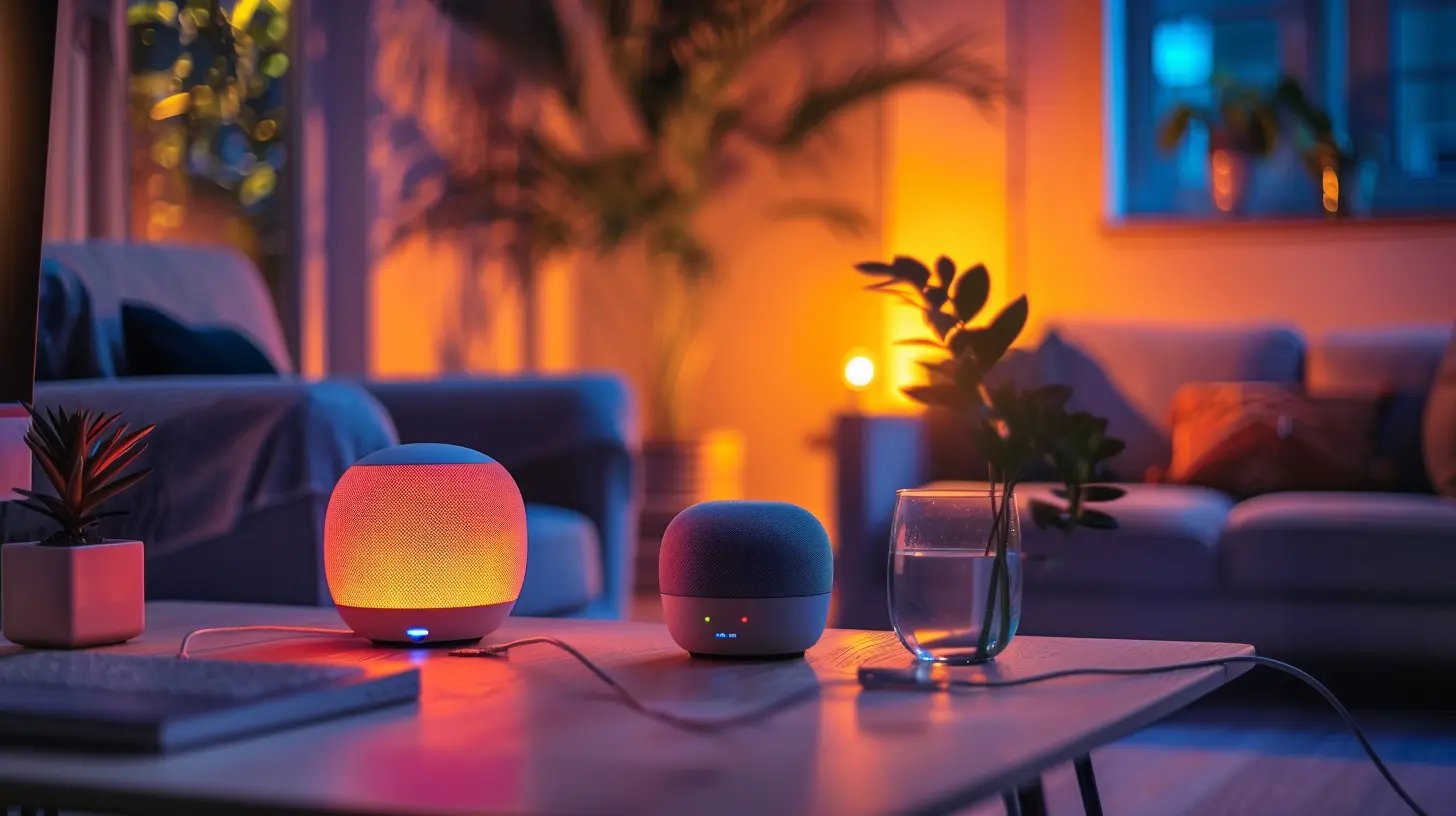
What Are Smart Lights Anyway?
Okay, let’s start with the basics. Smart lights are internet-connected LED bulbs that can be controlled remotely through your smartphone or a central hub. But here’s the kicker—they’re not just “on and off” lights. These bulbs can change colors, dim or brighten, follow schedules, and even react to your music.Throw in a voice assistant, and suddenly your lights are listening to you (well, kind of).
No more fumbling for switches or scrolling through apps—just say the word and let tech do the rest.
Meet the Brain: Voice Assistants That Make It All Happen
So, how exactly do you talk to your lights? That’s where voice assistants shine—pun totally intended.Here are the big players:
- Amazon Alexa – The OG voice assistant that seems to work with everything under the sun.
- Google Assistant – Always improving, incredibly smart, and deeply integrated with Android.
- Apple Siri – If you’re in the Apple ecosystem, Siri has your back via Apple HomeKit.
These assistants are the bridge between your spoken commands and the actions your devices take. With once sentence, you can set the mood, save energy, or even troll your housemates by changing the light to “disco mode.”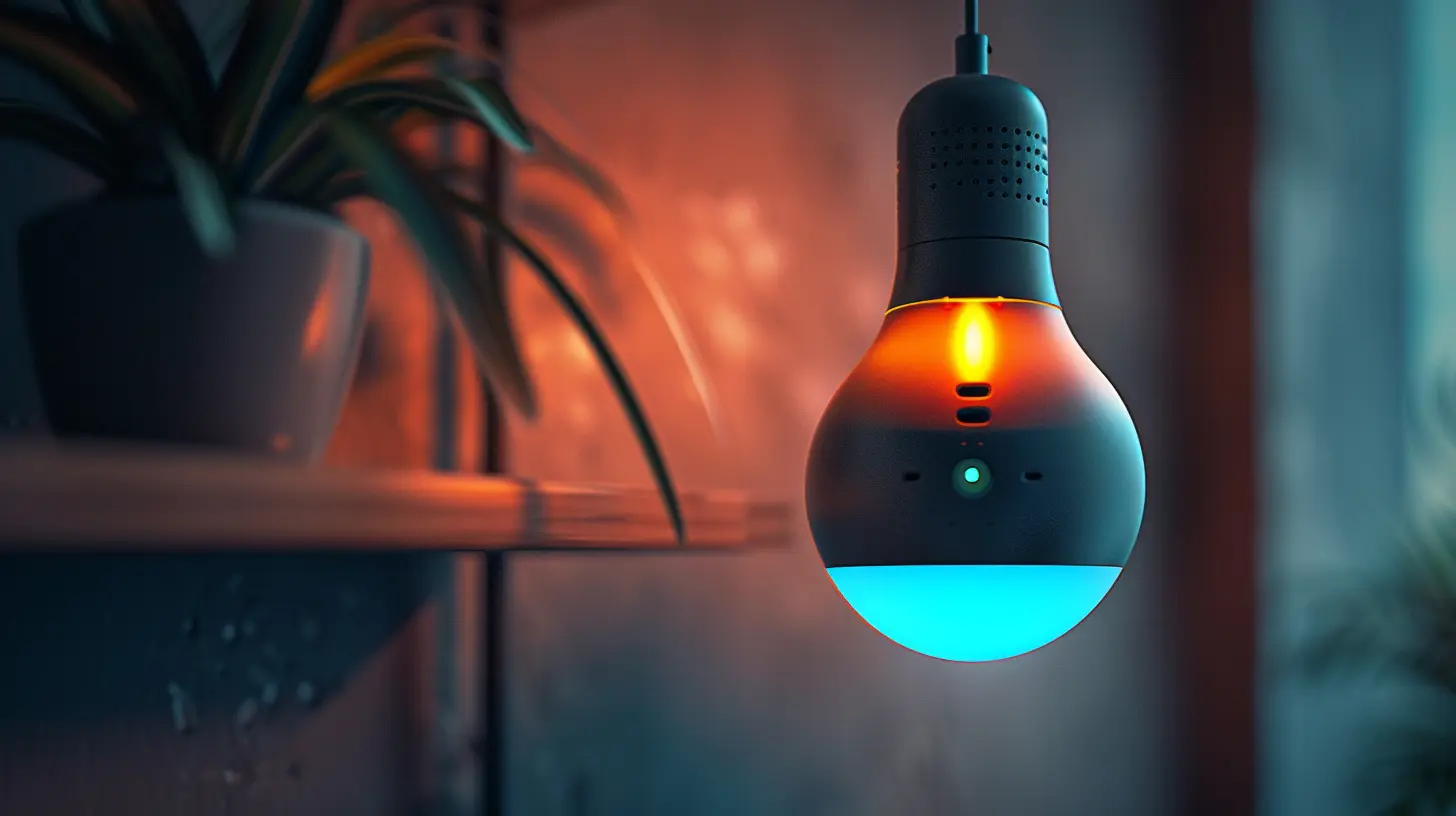
How to Set It Up: Connecting Smart Lights to Voice Assistants
Setting up smart lighting with a voice assistant isn’t rocket science. Here’s a simplified walk-through:1. Pick Your Smart Bulbs
Start with a reputable brand like Philips Hue, LIFX, or TP-Link Kasa. Make sure they’re compatible with your voice assistant of choice.
2. Install and Set Up the Bulbs
Screw ‘em in just like a regular bulb. Then fire up the brand's app to connect the bulbs to your Wi-Fi.
3. Link to Your Voice Assistant
Head to your assistant's app (Alexa, Google Home, or Apple Home). Add the smart lighting skill or integration, log in, and grant permission.
4. Give Your Bulbs Names
Want to say “Turn off the bedroom light”? The bulb better be called “bedroom light” in your app. Naming is everything.
5. Try Basic Commands
Say “OK Google, dim the living room light to 50%” or “Alexa, set kitchen lights to blue.” Boom—magic activated.
Practical Uses of Smart Lighting with Voice Commands
Now that your system's up and running, what can you actually do with it? Hint: a lot.1. Hands-Free Control
Carrying stuff? Kids in one arm and a dog leash in the other? No worries. Voice command your way to the light switch.Example: “Hey Siri, turn on hallway lights.”
2. Set the Mood
Romantic dinner? Netflix binge? Meditative yoga session? Set the tone with colors and brightness using your voice.Example: “Alexa, turn the bedroom lights to warm white at 30%.”
3. Schedules and Routines
Sync your lights with morning alarms or bedtime routines.Example: “Hey Google, good morning.” Your lights turn on softly as the blinds rise.
4. Energy Saving
Left the lights on downstairs? Just shout across rooms (or open your phone) to turn them off. No need to backtrack.Example: “Alexa, turn off all lights.”
5. Security
Heading out for vacation? Set your lights to mimic activity—create the illusion that someone’s home.Example: “Hey Google, activate vacation mode.”
Advanced Command? You Bet.
Most people stop at “turn on” and “turn off.” But there’s a whole galaxy of advanced voice commands hiding in plain sight.- “Alexa, dim the kids’ room to 10% in 30 minutes.”
- “Hey Google, change the office light to energizing white.”
- “Siri, set movie time.”
These routines can be multi-device actions. “Movie time” might dim the lights, close the blinds, and start Netflix. It's like directing your house with your voice—Hollywood-style.
Integrating Smart Lighting Into Your Smart Home Ecosystem
Smart lighting is just the beginning. Once you’ve got a taste, you may start building a whole smart home system.Your lights can work in sync with:
- Smart thermostats (warm up the house when you wake up with the lights)
- Smart plugs (automate appliances with lighting schedules)
- Smart sensors (lights activate as you walk in)
Voice assistants act as the brain, pulling all the strings behind the curtain. Whether it’s morning routines, party modes, or bedtime rituals—your home becomes your stage, and you’re the conductor.
The Top Brands Worth Considering
You might be wondering—what smart lighting systems are the best in the game? Here’s a quick shortlist:🟡 Philips Hue
King of smart lighting. Reliable, robust app, and works with all major voice assistants. Requires a hub for full functionality but totally worth it.🔵 LIFX
No hub needed, vibrantly colorful, and easy to set up. Great for those who want high-performance RGB lighting.🟢 TP-Link’s Kasa
Affordable, dependable, and integrates well with Alexa and Google Assistant. A budget-friendly option.🔴 Nanoleaf
More art than light. Create stunning wall patterns that respond to music and voice controls. Perfect for gamers and creatives.Is It Really Worth It?
Let’s be honest—smart lighting won’t write your emails or walk your dog. But boy, does it make life easier and more fun.- Saves time (no more hunting for switches)
- Saves energy (lights off with a quick command)
- Adds a serious cool factor (your guests will be impressed)
- Boosts accessibility (great for elderly or disabled users)
- Enhances mood and productivity (lighting affects your brain, after all)
Still hesitating? Think of smart lighting as the espresso shot for your home. Once you taste it, you won’t want to go back.
Voice Assistant Privacy: Should You Be Concerned?
Let’s talk about the elephant in the room: privacy.Yes, voice assistants are always “listening” for wake words. But they’re not recording every breath you take. That said, they do collect data to improve their services.
Here’s how to protect yourself:
- Regularly delete voice recordings from your assistant’s settings.
- Review app permissions.
- Use mute buttons on smart speakers when privacy is crucial.
Bottom line? Be smart about your smart devices.
Common Troubleshooting Tips
Not everything runs perfectly all the time. Here are quick fixes for common issues:- ❌ Light not responding?
Try resetting it via the app or checking Wi-Fi connectivity.
- ❌ Voice command not working?
Double-check the name of the light in the app—accuracy matters.
- ❌ Lights out of sync?
Group them properly under “rooms” in your assistant’s app.
Keep calm and troubleshoot on.
Future of Smart Lighting and Voice Assistants
We’re just scratching the surface.In the near future, expect:
- Smarter voice recognition that understands accents and context better.
- AI-powered lighting suggestions based on your habits and mood.
- Full home automation, where your lights know when to greet you as you enter the room.
It’s a bright future, literally and figuratively.
Final Thoughts
Smart lighting combined with voice assistants isn’t just a luxury—it’s becoming a necessity for modern living. From simplifying your daily routine to enhancing your atmosphere, it’s a game-changer.And let’s face it—telling your lights what to do just feels awesome.
Whether you're new to smart homes or knee-deep in automation, integrating voice-controlled lighting is one of the smartest steps you can take. So go ahead, flip the switch on the old ways and say hello to lighting at the speed of your voice.
all images in this post were generated using AI tools
Category:
Voice AssistantsAuthor:

Marcus Gray
Discussion
rate this article
2 comments
Layla Reilly
Great insights! Excited to see how voice assistants transform our homes and enhance our everyday lives.
February 15, 2026 at 7:27 PM
Marcus Gray
Thank you! I'm excited too—it's amazing how technology can simplify our lives!
Isaac Acevedo
This article beautifully highlights the convenience of voice assistants and smart lighting. It's amazing how simple commands can enhance our daily lives. Thank you for sharing these insights!
January 28, 2026 at 11:24 AM
Marcus Gray
Thank you for your kind words! I'm glad you found the insights on voice assistants and smart lighting helpful.