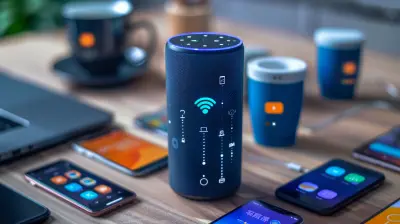
Smart Speaker Compatibility: Which Devices Work Best Together?
7 February 2026
Smart speakers are everywhere these days, filling our homes with music, reminders, and even answering our random questions. But if you’ve ever tried mixing and matching different brands, you’ve probably run into frustrating compatibility issues. It’s like trying to get a dog and a cat to be best friends—sometimes it works, sometimes it doesn’t.
So, which smart speakers really play nice together? Let's dive in and find out.
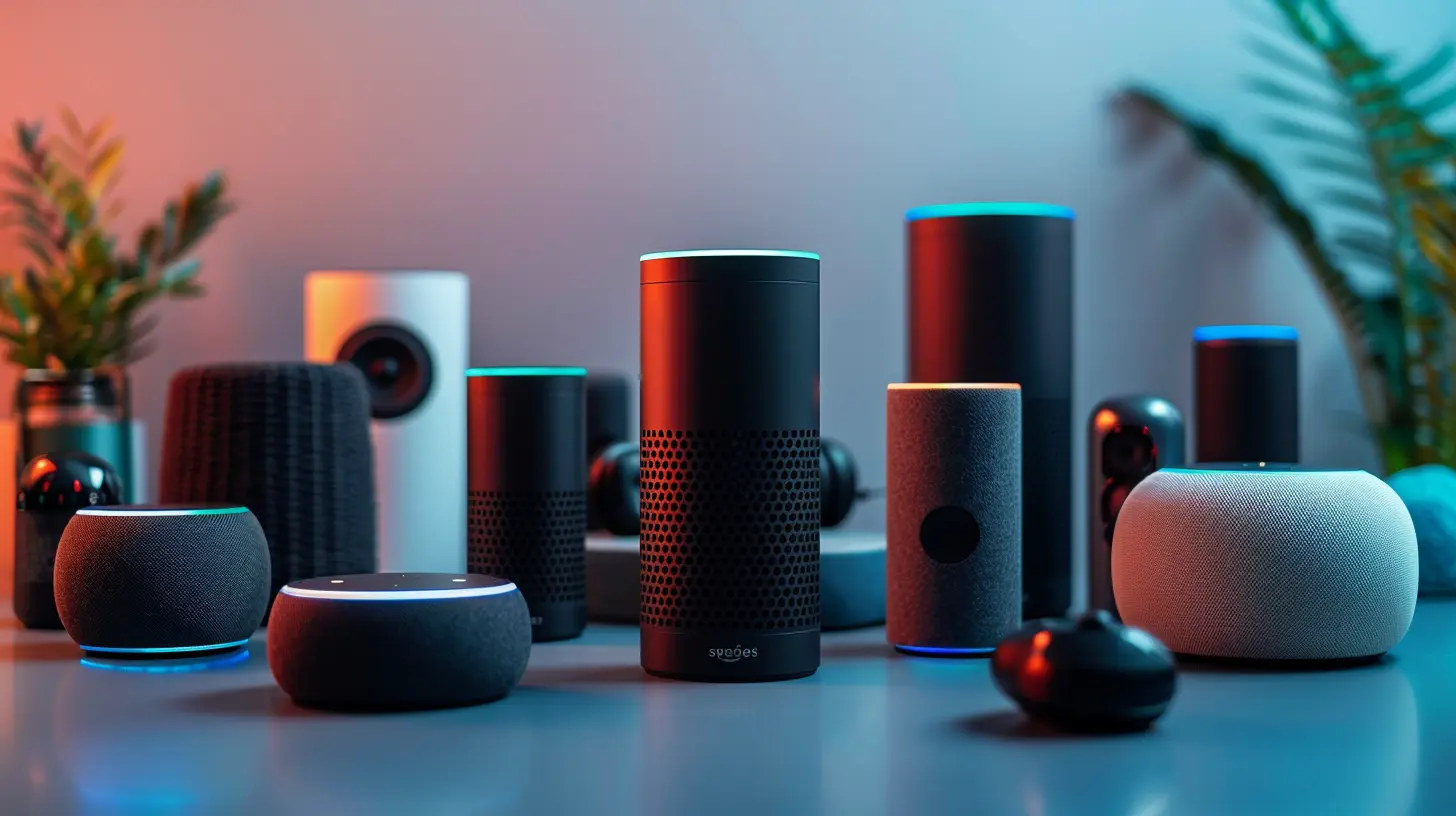
Why Smart Speaker Compatibility Matters
When you invest in a smart home setup, the last thing you want is a scattered mess of devices that don’t talk to each other. Imagine having an Amazon Echo in the living room, a Google Nest in the kitchen, and an Apple HomePod in the bedroom, only to find out that they refuse to work together. That's like having three different remote controls for your TV, but none of them actually turn it on!Compatibility ensures that your speakers can sync up, share information, and respond to your voice commands seamlessly. Whether you're setting up multi-room audio, controlling smart home gadgets, or making voice calls, choosing compatible smart speakers keeps everything running smoothly.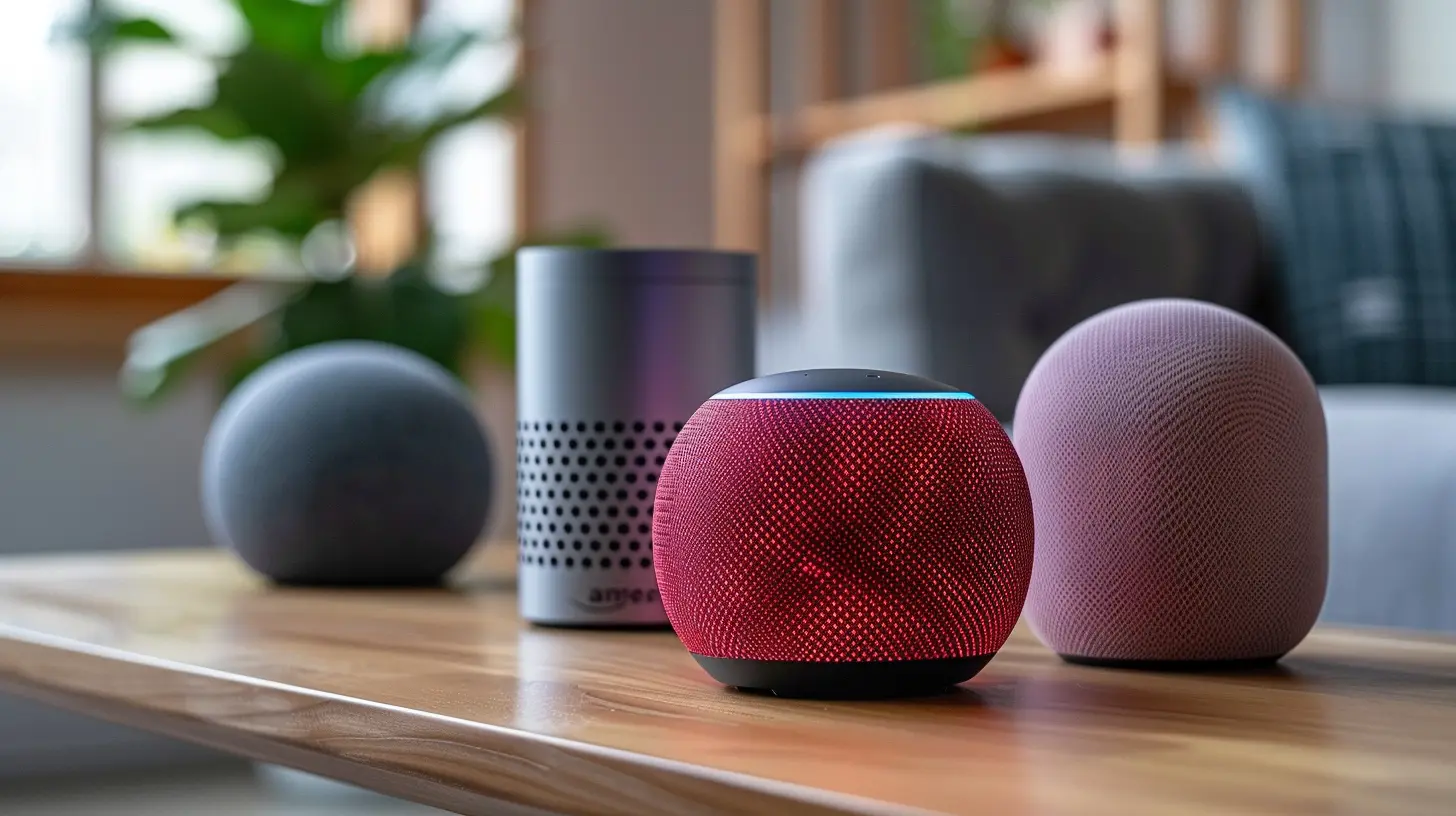
The Big Players in the Smart Speaker Market
There are a few main contenders when it comes to smart speakers, and each is tied to a specific ecosystem. Let's break them down:✨ Amazon Echo (Alexa)
- Works best within the Amazon Alexa ecosystem.- Compatible with Fire TV, Ring doorbells, Philips Hue, and thousands of smart home devices.
- Can pair with some third-party speakers, including Sonos and Bose.
🌎 Google Nest (Google Assistant)
- Functions best with Google services like Chromecast, Google Home, Nest devices, and Android products.- Excellent for controlling Google-compatible smart home devices like Nest Thermostats and Philips Hue.
- Can connect with third-party speakers like Sonos and JBL.
🍏 Apple HomePod (Siri)
- Designed for Apple users—works best with iPhones, iPads, and HomeKit devices.- Supports AirPlay 2, allowing multi-room audio with compatible speakers.
- Not as open to third-party integrations like Alexa or Google Assistant.
🎶 Sonos Smart Speakers
- Compatible with Alexa and Google Assistant (but not both at the same time).- Works with Apple’s AirPlay 2, making it a rare speaker that connects across multiple ecosystems.
- Great for users who care about premium audio quality while keeping voice assistants optional.
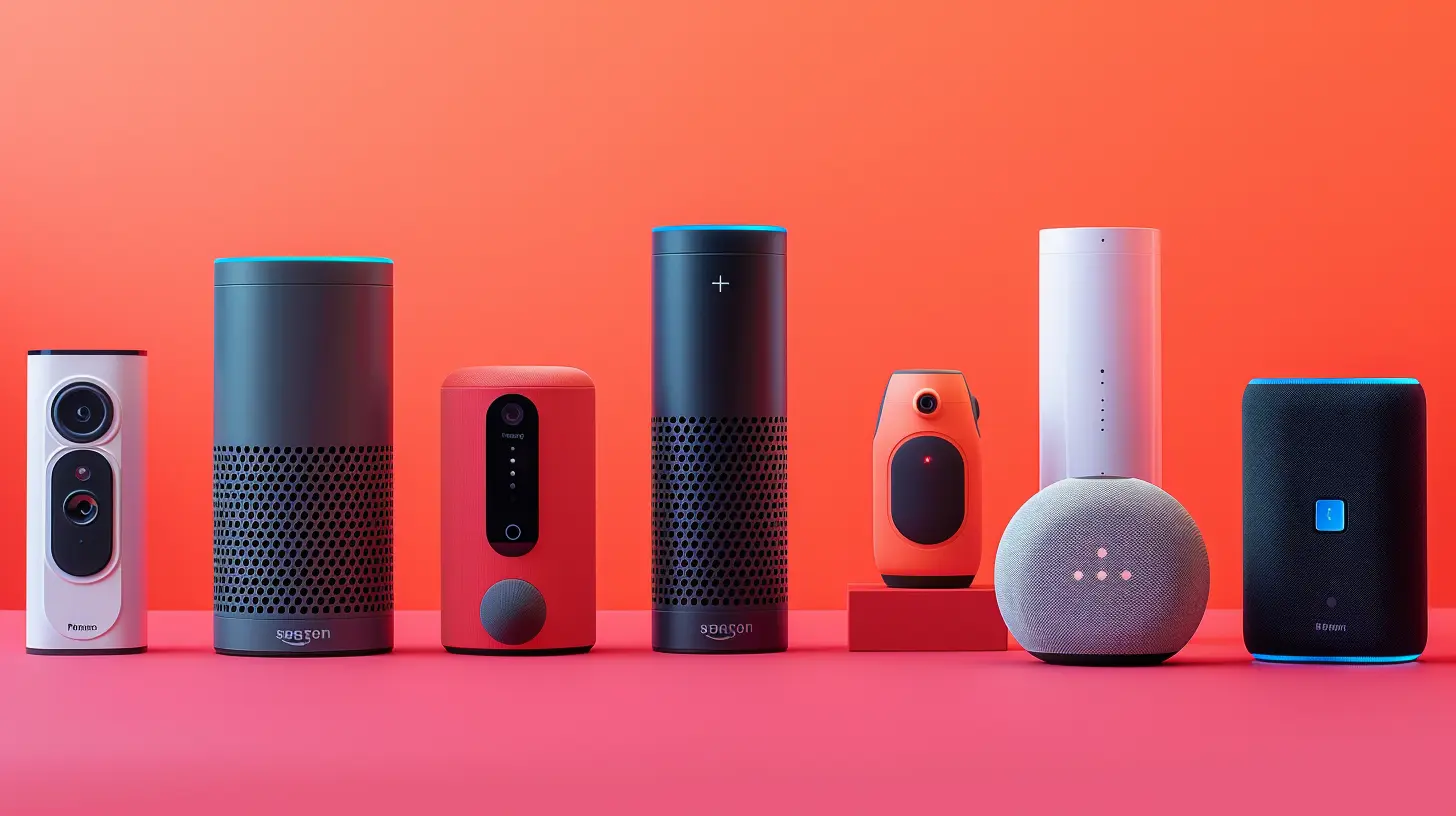
Multi-Room Audio: Which Speakers Sync Together?
One of the biggest reasons people invest in smart speakers is for multi-room audio—playing the same (or different) music across rooms. But not all smart speakers play well together.| Smart Speaker | Compatible with Multi-Room Audio |
|------------------|----------------------------------|
| Amazon Echo (Alexa) | Works with other Echo devices & some Sonos speakers |
| Google Nest (Google Assistant) | Syncs with other Google Nest speakers & compatible Chromecast devices |
| Apple HomePod | Works with other AirPlay 2-enabled speakers |
| Sonos Speakers | Supports Alexa, Google Assistant & AirPlay 2 |
If you're looking for the most flexibility, Sonos is the best option since it bridges the gap between Alexa, Google Assistant, and AirPlay 2.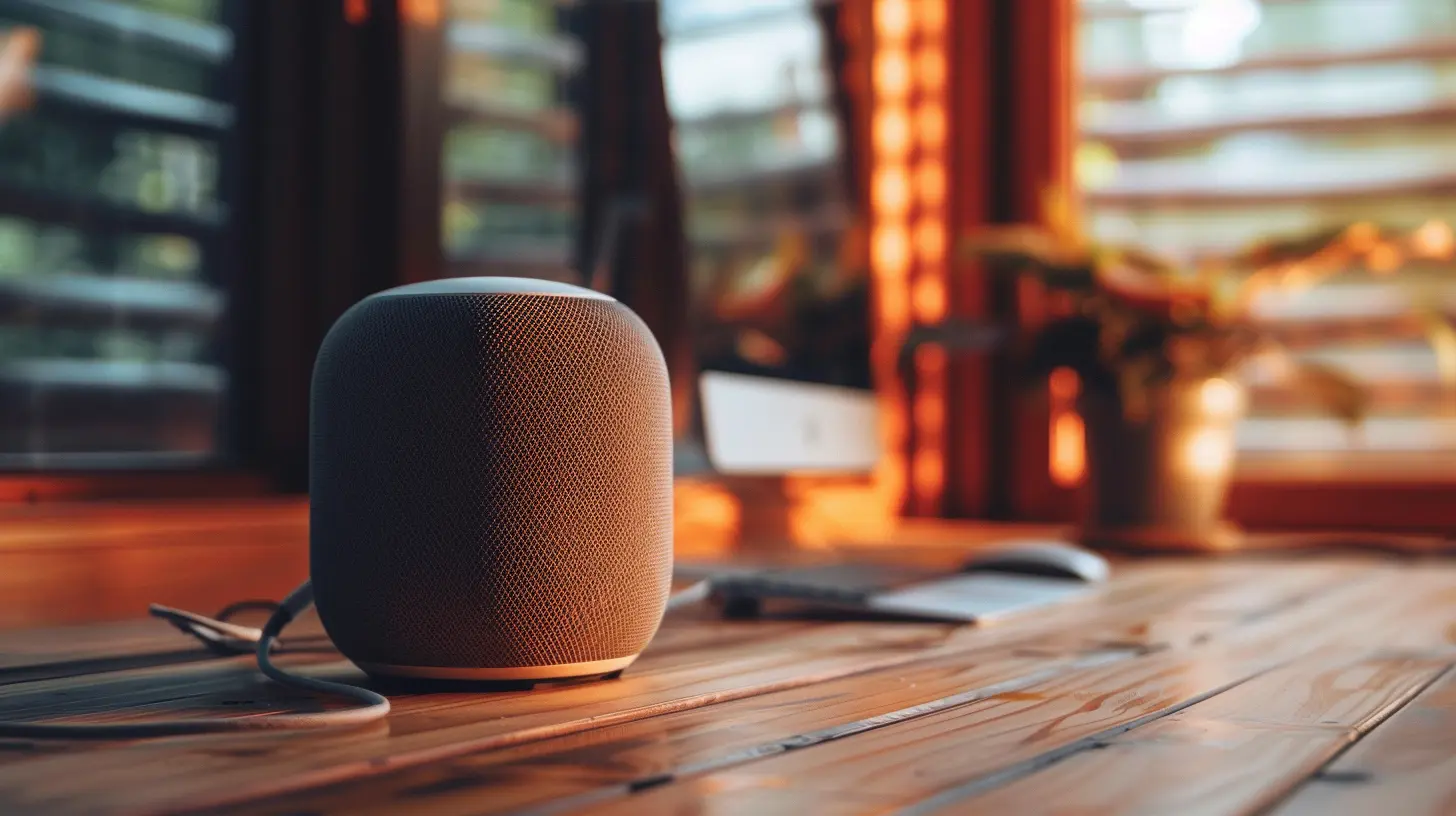
Smart Home Control: Choosing Speakers That Work Together
Aside from playing music, smart speakers are often the heart of a smart home, controlling lights, thermostats, cameras, and more. But which ecosystem gives you the most seamless experience?- Amazon Alexa: Best for users who own Ring cameras, Fire TV, or a mix of different smart home brands.
- Google Assistant: A great choice if you’re deep into the Google ecosystem (Nest cameras, Android, etc.).
- Apple HomePod: Ideal for those invested in the Apple HomeKit ecosystem (think iPhones, MacBooks, and Apple TVs).
Now, here’s where things get tricky: Alexa and Google Assistant speakers don’t talk to each other. So, if you were hoping to tell your Echo to control a Google Nest Hub, you're out of luck.
However, some smart home brands—like Philips Hue, Ecobee thermostats, and LIFX smart lights—work with all three ecosystems. So, if you choose the right smart home devices, you won’t be locked into one brand.
Voice Assistants: Can They Coexist?
A common question is: Can Alexa, Google Assistant, and Siri work together? The short answer? Not natively.If you have an Alexa-powered speaker and a Google Nest speaker in the same home, they won’t interact with each other. You can, however, set up different parts of your home to be controlled by one assistant while another covers a separate area.
Here’s a workaround: Use third-party smart home hubs like SmartThings or Home Assistant to control multiple ecosystems at once. But for most everyday users, this can be a hassle.
Best Smart Speaker Combinations for Different Use Cases
If you're struggling to decide which smart speakers to buy, check out these ideal setups:✅ Best for Amazon Users
- Speakers: Amazon Echo, Echo Show- Best Pairing: Fire TV, Ring Cameras, Philips Hue Lights
- Why? Everything integrates seamlessly with Alexa.
✅ Best for Google Users
- Speakers: Google Nest Audio, Nest Mini- Best Pairing: Chromecast, Nest Thermostat, Smart Displays
- Why? Works smoothly with Android and Google services.
✅ Best for Apple Users
- Speakers: HomePod, HomePod Mini- Best Pairing: Apple TV, HomeKit-Compatible Devices
- Why? Designed for Apple users who love AirPlay 2.
✅ Best for Audiophiles (Premium Sound)
- Speakers: Sonos One, Sonos Arc- Best Pairing: AirPlay 2, Alexa or Google Assistant
- Why? High-quality audio with multi-ecosystem compatibility.
Final Thoughts: Choosing the Right Smart Speaker Setup
At the end of the day, the best smart speaker setup depends on your current devices and ecosystem. If you’re an all-in Apple user, go with HomePod. If you love Alexa or Google Assistant, stick with their respective speakers. And if you're looking for ultimate cross-platform compatibility, Sonos is your best bet.Before you buy, think about what you actually need your smart speakers to do. If it's just music, you have more flexibility. But if you want seamless smart home control, your best bet is to stick to one ecosystem.
So, what’s your smart speaker strategy? Let us know in the comments!
all images in this post were generated using AI tools
Category:
Smart SpeakersAuthor:

Marcus Gray
Discussion
rate this article
2 comments
Ian Clarke
Great insights on smart speaker compatibility! It’s like a tech party where everyone gets to dance together. 🎉 Keep mixing and matching for the ultimate smart home experience!
February 17, 2026 at 6:03 AM
Marcus Gray
Thanks! Glad you enjoyed the insights. It's exciting to see how all these devices can really come together for a seamless smart home experience!
Esther Hill
Smart speaker harmony: the ultimate tech relationship goal.
February 15, 2026 at 12:39 PM
Marcus Gray
Absolutely! A harmonious setup can enhance convenience and efficiency, making tech integration seamless.